Viber marketing checklist: 27 checks for a campaign
The channel your customer keeps open all day. In our region Viber is where the people are, with an image, a button and a message that looks like a conversation. This checklist walks through 27 things that decide whether it stays a conversation or becomes a nuisance.
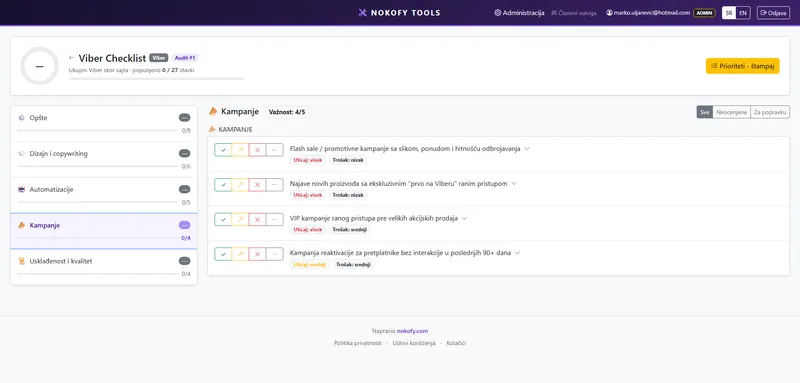
0
checks in this checklist
across 5 areas · every item explains why it matters and how to fix it
What it covers
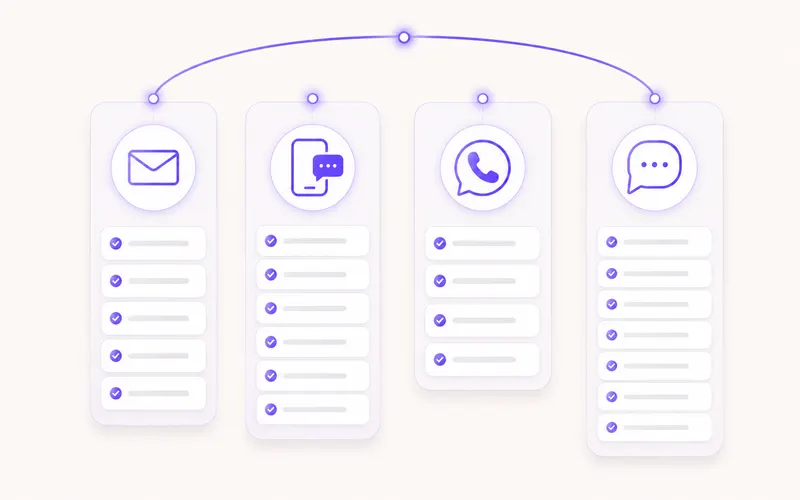
The items are split into areas. The number beside each says how many checks it carries.
Why a checklist rather than general advice
Viber looks easy. You write a message, add an image, put in a button, send. Which is exactly why more mistakes are made here than in any other channel.
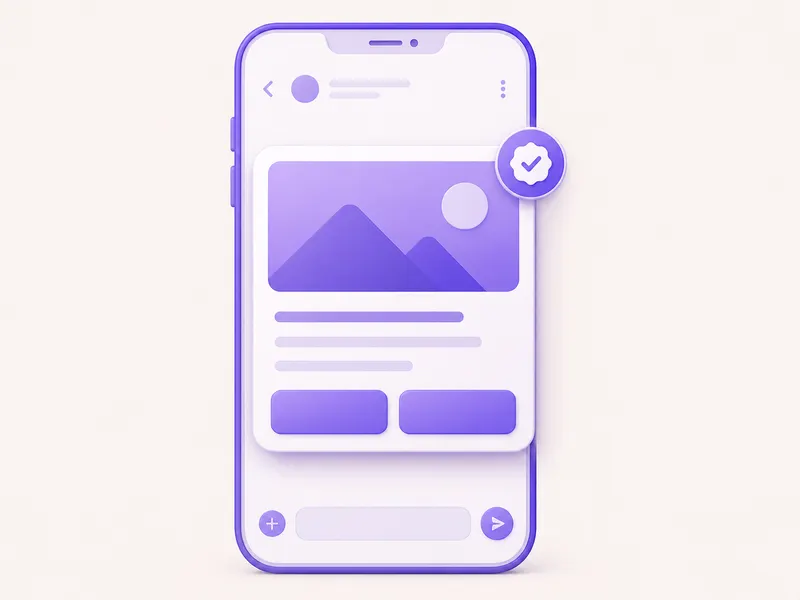
General advice tells you to be relevant. The concrete question is: can the text on your image actually be read on a six-inch phone? Does the button lead to the right page or to the homepage? Do you have recorded consent for every number you write to? Do you track how many people block your account?
There are 27 such items, in five areas. They take fifteen minutes to work through.
A short checklist doesn’t mean a less important one. Every item here carries more weight than one in a list of three hundred, because the channel has fewer elements — and every one of them is seen.
What one item looks like
Every item has five parts:
- The check itself — one sentence. For instance: the text on the image is legible on a phone, without zooming.
- Why it matters — the concrete consequence. Here that’s usually an ignored message, a blocked account or a report.
- How to fix it — the steps. What changes in the image, the text, the button or the sending rules.
- Impact rating (1–3) — how much it changes campaign response.
- Estimated cost of the fix (1–3) — a one is a text change, a three is changing how you collect contacts.
The items come with recommended tools, marked free or paid.
You score with four buttons: Good, Could be better, Bad, Not applicable. The last is excluded from the score.
The repair plan
Everything scored „Bad“ or „Could be better“ enters the repair plan, sorted by the formula (impact + cheapness) × urgency.
With Viber the cost of a fix is usually low — what changes is the image, the text, the button and the rules about who receives a message. So the whole plan is normally done before the next campaign, in one day.
The exception is the „Compliance and quality“ area. Those items ask you to build a habit of monitoring, not to make a one-off change. That doesn’t get finished, it gets maintained.
The plan exports to PDF and CSV.
Why there’s no automatic check here
With the site checklists the tool fills in part of the scores itself, because it can open a site and read it.
It can’t do that with your Viber account. It has no access to your contacts, sent messages or statistics — and doesn’t ask for it. All 27 items are scored by you.
In practice that’s fifteen minutes with your account statistics open in another tab. The answers are mostly visible immediately: either your image is legible or it isn’t, either you track the number of blocks or you don’t.
The good side is that going through the list also shows you things a tool would never look at — how your message looks in the middle of a conversation with relatives and friends, and whether it fits there or sticks out.
A real example
A sports equipment shop sends Viber messages to a base of 12,000 contacts. The last campaign: 2.1% clicks and a noticeable rise in blocks.
The checklist is done in twenty minutes. Result: 9 good, 8 could be better, 8 bad, 2 not applicable.
The repair plan:
- The image is the shop window poster, with five prices in small print — unreadable on a phone — impact 3, cost 1.
- The button leads to the homepage instead of the sale page — impact 3, cost 1.
- The same message goes to everyone, including people who bought that exact product three days ago — impact 2, cost 2.
- Nobody tracks the number of blocks per campaign — impact 2, cost 1.
The first two were fixed in an hour. The next campaign: 5.4% clicks, with fewer blocks than the previous one. Same base, same offer — changed image and button destination.
Honestly: Viber is powerful because it’s personal, and dangerous for the same reason. This checklist helps you set it up properly, but it doesn’t decide for you how often you may write to people. You set that rule yourself — and as a rule it’s less often than it feels.
Frequently asked questions
How does Viber differ from SMS in practice?
It has an image, a button and more room for text, and the message looks like part of a conversation rather than an advert. That means better response, but also higher expectations — a message that looks like a flyer is more of an irritant here than in SMS.
Why is there a separate „Compliance and quality“ area?
Because an account can be restricted here if too many people report or block your messages. Those four items cover what to monitor, what limits exist, and what to do when your account score starts falling.
Do I need both SMS and Viber?
Many use them as a pair — Viber goes first, and those the message doesn't reach get an SMS. The checklists are separate because the rules differ, but they work well one after the other.
What's the most common mistake here?
The image. People drop in a whole sale poster with five prices in small print that can't be read on a phone. The „Design and copywriting“ area has six items about exactly how image and text should work together.
The other checklists
Email marketing
205 checks
205 checks across 7 areas — from automations and newsletters to pop-ups, testing and creative.
SMS
32 checks
32 checks across 5 areas — consent, writing the message, automations, campaigns and promotions.
27 checks
27 checks across 5 areas — consent, business profile and messages, automations, campaigns and account quality.
Sort out Viber before the next campaign
Create an account and work through 27 checks. It takes fifteen minutes and protects both your result and your account score. The free plan asks for no card.
No card · No contract · Cancel anytime