Backlink checker: who links to you, and who quietly left
30 different domains are worth more than 300 links from one. A backlink is a link from somebody else's site to yours, and to Google it's a recommendation. Nokofy shows you the whole link profile, tells you when one disappears, and gives you a list of domains that already link your competitors and not you.
- 12
- months of link profile history
- 30+
- spam score at which a link becomes a disavow candidate
- 4
- ready-made lists: anchors, recovery, disavow and link gap
The problem: you know you need links, you don’t know which you already have
When somebody tells you that better positions need backlinks, they usually stop there. They don’t tell you how many you have now, from how many different sites they come, how valuable they are, or whether some of them are working against you.
So in practice three mistakes happen.
First: links get bought blind. Three hundred links from one and the same directory sounds good until you realise Google counts it as one recommendation, not three hundred.
Second: links quietly disappear. Somebody linked you a year ago, then rewrote the text and the link went. Nobody tells you, and you still think you have it.
Third: links lead nowhere. You changed a page address or deleted an old offer. The link still exists but opens a 404 — and all the value it was bringing is lost.
All three mistakes rest on the same thing: you don’t have a list. And without a list you can’t work, you can only guess.
How it works
There’s nothing to configure. You add the site, open the Backlinks tab and get the state of things.
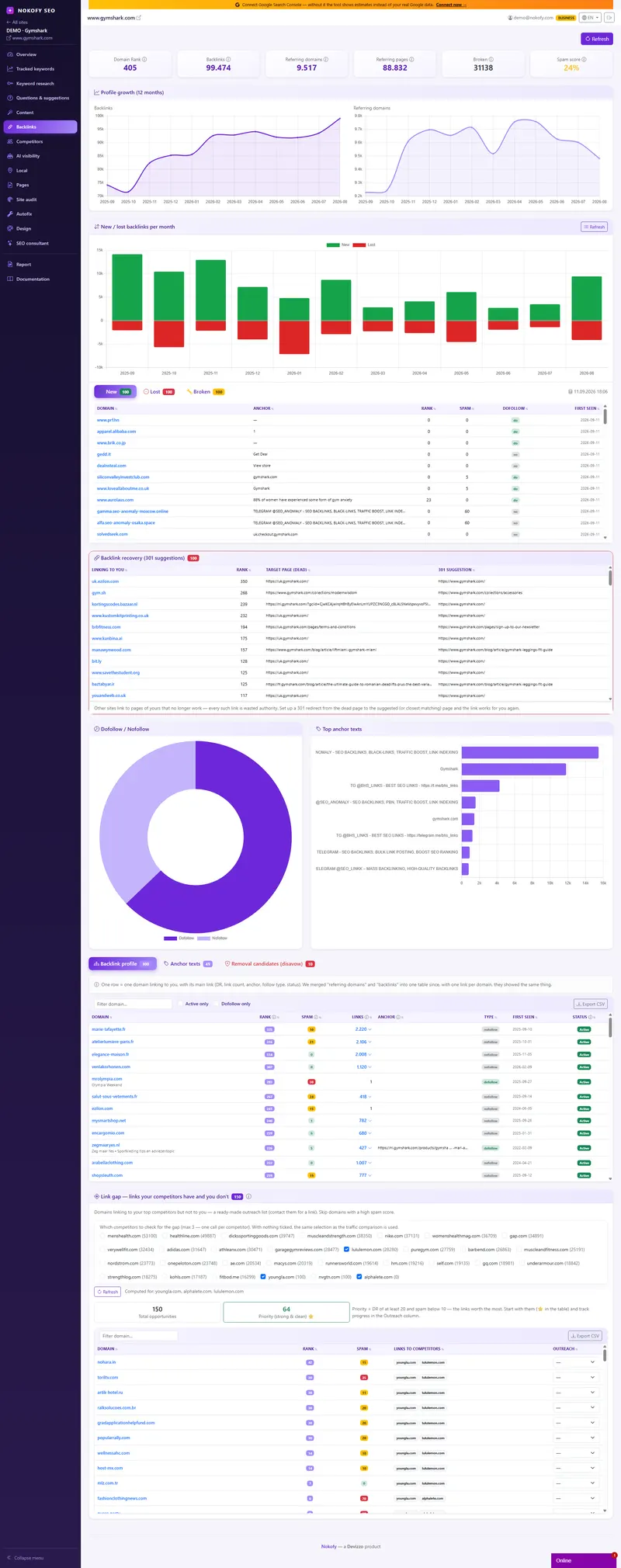
The tiles at the top give you the picture in five seconds. Domain Rank is a score for the strength of your domain. Backlink count is how many links point at you in total. Linking domains is how many different sites stand behind those links — and that’s the figure you should actually be watching. Alongside them come referring pages, broken links and spam score.
Then you see whether the profile is growing or standing still. A twelve-month chart shows the movement, and a separate view splits new and lost links by month. If you’re losing more than you’re gaining over three months, you see it immediately — not when the positions start to drop.
The full table has the domain, its rank, how many links come from it, the anchor text (the visible words that get clicked), the link type, a dofollow marker, spam score, first-seen date and status: active or lost. Click a domain and every page on that site linking you opens up.
What you get
Four ready-made lists you don’t have to assemble yourself.
Anchor profile analysis. The tool sorts every anchor text into categories — brand, keyword, bare address, generic („click here“) and no text at all, when the link is on an image. Then it gives a verdict: natural profile, borderline or risky. If one anchor carries too high a share, you get a warning, because a natural site never has a hundred links with identical text.
Backlink recovery. Somebody links you to a page that no longer works. Instead of that value evaporating, the tool shows you the link and suggests where to redirect it. This is the fastest job in all of SEO: not a single email, not a single favour, just a redirect.
Disavow candidates. Links with a spam score of 30 and above are pulled out separately. You mark the ones you don’t want and get a ready disavow.txt — the document telling Google not to take those links into account.
Link gap. Domains that link your competitors and not you. They’re ranked by priority, with contact status tracked, so the list lives in one place instead of scattered notebooks. Every table exports to CSV.
A real example
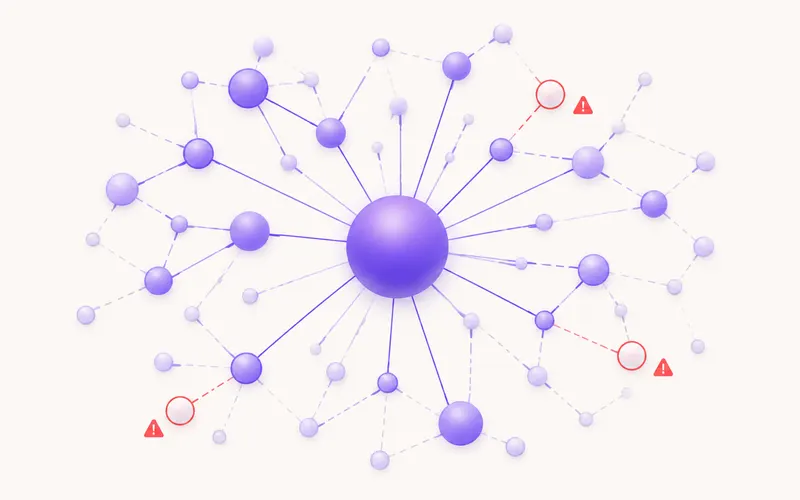
A bicycle shop. The site has run for five years, the owner has never „worked on links“ and assumes there aren’t any.
He opens the Backlinks tab and sees that links do exist, but come from only a handful of different domains — mostly two local news sites and one cycling forum. Not zero, but not a profile that carries positions either.
The first finding is a broken link. The forum links him to a service page whose address changed two years ago. The link still exists but opens an error. A redirect takes five minutes and recovers value it has been holding all along without being used.
The second finding is a lost link. One news site linked him in an article about cycling routes, then the article was rewritten and the link vanished. Now he can see it and send one email to the editor.
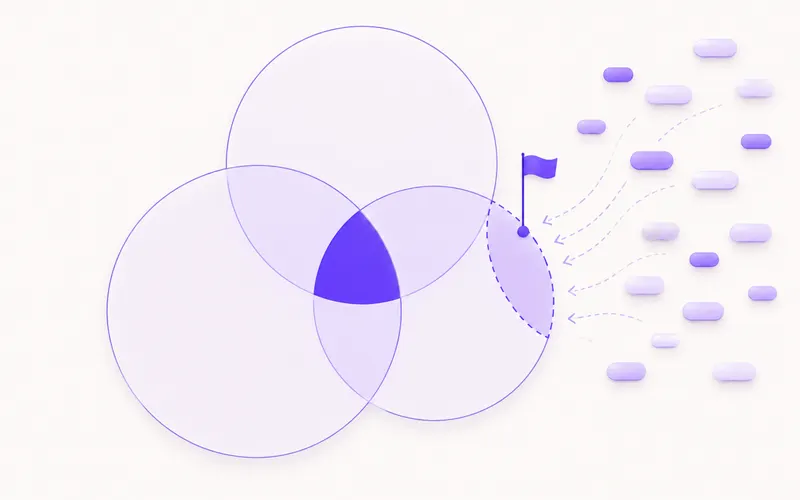
The third finding is the link gap. Competing shops are linked by three sites he doesn’t have: a cyclists’ association, a recreation blog and a local events site. All three already link bicycle shops, so it isn’t a cold contact.
Not one of those three steps needed a budget. It needed a list.
Who it’s for
A business owner sees in five minutes whether they have links at all and whether any of them are hurting — without learning theory.
A marketer inside a company gets the growth chart and the table of new and lost links as a ready slide for the monthly report.
An agency or freelancer uses the link gap with contact statuses as an outreach worklist, and the CSV export goes straight to the client.
An online shop gains most from link recovery after category and address changes — that’s where value is lost most quietly.
Honestly: our link index isn’t the largest in the world and we don’t pretend it is. What you get is a clear picture of the profile, a list of new and lost links, a link gap against competitors and a concrete move for next week — not a database you can lose a whole day in.
Frequently asked questions
What is a backlink and why does Google look at it?
A backlink is a link from somebody else's site to yours. Google reads it as a recommendation: if serious sites mention and link you, you're more likely to be a serious source yourself. That's why the number of different domains linking to you is one of the strongest authority signals.
Is 300 links better, or 30 domains?
Thirty different domains, almost always. Three hundred links from one and the same site are reduced by Google to a single recommendation. That's why the tiles single out the number of linking domains, not only the total number of links.
What does dofollow mean and do I need to worry about it?
A dofollow link passes some value to your site, nofollow doesn't but still brings visitors and a mention. A healthy profile has both. The table shows which is which, so you don't have to guess.
What do I do about spam links I didn't create?
First look at the disavow candidates — links with a spam score of 30 or more. If there are few and the profile is otherwise healthy, usually nothing needs doing. If there are many, you export a ready disavow.txt and send it to Google.
What is a link gap?
A list of domains that link your competitors and not you. Those sites have already proved they link companies in your industry, so it isn't a cold contact. The tool ranks them by priority and keeps the contact status — To contact, Contacted, Got it — so within a team everyone knows who has already called whom.
How complete is your data compared with Ahrefs?
Less complete, and we say so openly. Their link indexes are larger. Our aim is for you to see the state of things, catch what you've lost and get a list to contact — not to do forensics on every individual record.
Works together with
The tools in Nokofy build on each other — here is what naturally goes with this one.
See your link profile before you spend a penny on links
Create an account, add your site and open the Backlinks tab. The first thing you'll see is how many different domains stand behind you — and whether you're quietly losing something. No card.
No card · No contract · Cancel anytime