Marketing checklists for Email, SMS, Viber and WhatsApp
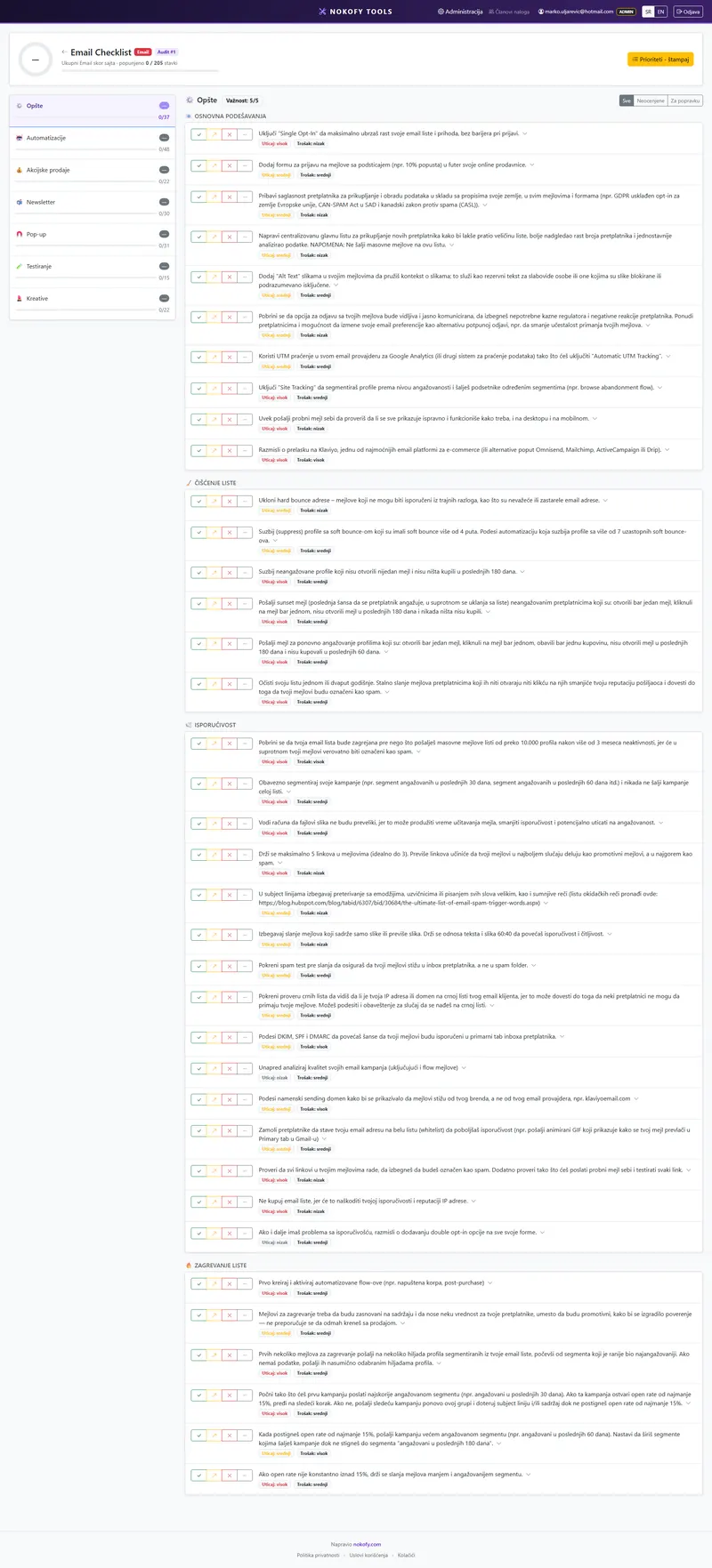
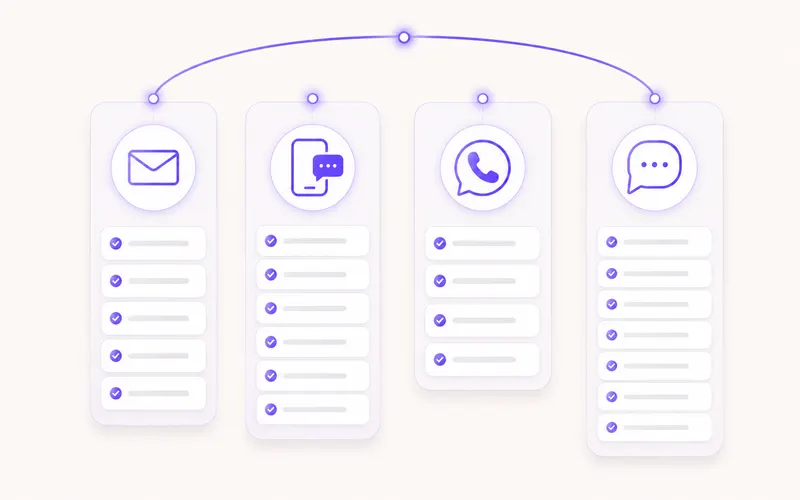
You paid to get the person here. Now keep them. Email, SMS, Viber and WhatsApp — four checklists with 291 items, on the same system as SEO and CRO. Every item says why it matters and how it's fixed, and the tool builds a repair plan sorted by what returns most for least effort.
- 291
- items across four off-site channel checklists
- 205
- items for Email alone, across 7 areas
- 48
- items about automations that run themselves
The problem: your most expensive job is getting the person here, and then you let them go
You invest in content, in positions, in ads. A person arrives at the site, looks around, maybe even buys once — and leaves. Next time you have to pay again to bring them back.
But you have their email. Or their phone number. That’s the only channel that’s genuinely yours: it doesn’t depend on a Google algorithm change, doesn’t depend on the cost per click, doesn’t depend on whether a social network shows you to somebody that day. And on most sites that exact channel is neglected — an email goes out when somebody remembers, there’s no abandoned basket message, and the welcome sequence is one email saying „thanks for signing up“.
The second half of the problem is legal. SMS, Viber and WhatsApp have rules about consent and about what a message may look like. Break them and you don’t get a warning — you get a blocked account. That’s why there’s a checklist here too: so you’re guessing neither what to send nor what you’re allowed to.
How it works
The system is the same as the SEO and CRO checklists, so if you’ve worked there, there’s nothing new to learn.
Every item is a small handbook: the item text, a „Why it matters“ block, a „How to fix it“ block, an example link, an impact rating from 1 to 3, an estimated cost of the fix from 1 to 3, and recommended tools marked as free or paid.
You score with four buttons — Good, Could be better, Bad and Not applicable. The last one leaves the calculation, so SMS items don’t drag your score down if you don’t send SMS at all.
Everything scored Bad or Could be better enters the repair plan, sorted by the formula (impact + cheapness of the fix) times urgency. At the top is what returns a lot and costs little. Export goes to PDF and CSV.
If you run several clients, each has its own project with its own history of scores — so you see progress over time, not only the current state.
What you get
Four channels, 291 items in total.
Email — 205 items across seven areas. General (37) covers deliverability, the list, cleaning the database, the signature and the rules. Automations (48) are the sequences that run themselves: welcome, abandoned basket, post-purchase message, winning back a dormant customer. Promotions (22) cover how a sale is prepared and announced. Newsletter (30) is rhythm, topics and open rates. Pop-ups (31) cover when, to whom and how often they appear, so they don’t drive a person away before they’ve seen anything. Testing (15) says what to test and how to read the result. Creative (22) is the subject line, the first sentence, the button and the images.
SMS — 32 items. Consent rules, writing a message in very few characters, automations and campaigns. SMS has the highest read rate of any channel and the least patience: one message too many and the person unsubscribes.
Viber — 27 items. Business account, rich messages with an image and a button, automations and rule compliance. An important channel in our region, because Viber is where people actually are.
WhatsApp — 27 items. Business API, message templates that must be approved in advance, the account quality rating that decides how many messages you may send, and running campaigns.
A real example
A shop with a list of several thousand addresses, collected over years. The newsletter goes out when somebody remembers, usually before a sale.
Going through the Email checklist shows that of the 48 items in the Automations area, not one is done. There’s no welcome sequence, no abandoned basket message, nothing after a purchase except the order confirmation. A pop-up exists, but it fires the instant the page opens and returns on every following page.
The repair plan puts abandoned basket and the welcome sequence at the top — high impact, low cost, because both are configured once and then run themselves. Moving the pop-up is third.
Not one of those three items has anything to do with Google. All three work with people who have already shown an interest in what you sell.
Who it’s for
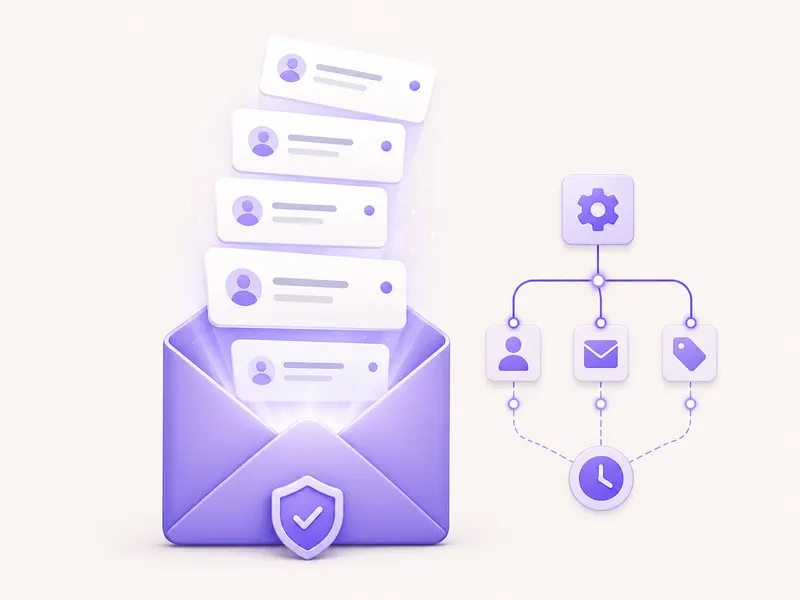
An online shop has the biggest untapped work here — 48 items about sequences that run themselves.
A small business owner gets 59 items about Viber and SMS, channels people in our region genuinely read, with instructions on using them without becoming a nuisance.
A marketer inside a company gets proof of what’s been done and what comes next, with a repair plan that goes into a PDF for the meeting.
An agency or freelancer gets projects per client with history — and one more channel they can bill for without a new subscription.
Honestly: there’s no automatic check here. We can scan a site, but we can’t get inside your email sending tool — those items you score yourself, using the explanation attached to each. And we send nothing on your behalf: Nokofy is the plan and the order of moves; the sending stays in the tool you already use.
Frequently asked questions
Does Nokofy send the emails and messages for me?
No. Nokofy tells you what to send, when and how — the sending stays in the tool you already use. Every item lists recommended tools, marked as free or paid.
Why is the Email checklist so much bigger than the others?
Because the job is bigger. Email has sequences, segmentation, deliverability, pop-up address collection and testing — each of those areas is a craft of its own. SMS, Viber and WhatsApp are shorter channels with stricter rules, so their lists are shorter.
What is a WhatsApp „quality rating“?
It's the quality score WhatsApp calculates for your business account based on how people react to your messages. If too many users block or report you, the score falls — and with it the number of messages you're allowed to send. That's why the checklist has items about how not to ruin it.
How is the order of fixes decided?
Everything you mark Bad or Could be better enters a list sorted by the formula (impact + cheapness of the fix) times urgency. At the top is what returns a lot and costs little. The list exports to PDF and CSV.
Is there an automatic check like there is for the site?
No. The automatic scan checks your site, and what happens inside your email sending tool is invisible to us — those items are scored by hand. That's why each one explains exactly what to look at.
Are these checklists in the free plan?
Channel checklists follow the same rule as SEO and CRO: the free plan has a personal checklist, while Pro and Business get projects per client with a history of scores.
Works together with
The tools in Nokofy build on each other — here is what naturally goes with this one.
Use the list you already have
Create an account and open the channel checklists. Go through the Email automations — that's usually the shortest route to sales that don't cost you another click. No card.
No card · No contract · Cancel anytime