WhatsApp marketing checklist: 27 checks for a business account
Here the customer expects a conversation, not a flyer. WhatsApp is the only channel where a customer replies to your message and expects you to answer back. This checklist walks through 27 things that decide whether you use it as a shop counter or as a loudspeaker.
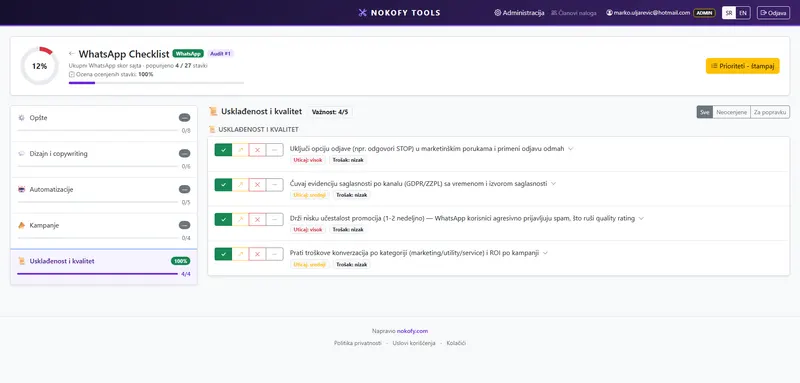
0
checks in this checklist
across 5 areas · every item explains why it matters and how to fix it
What it covers
The items are split into areas. The number beside each says how many checks it carries.
Why a checklist rather than general advice
WhatsApp usually gets introduced back to front. Somebody puts a button on the site, messages start arriving, and a month later it turns out nobody answers them for half a day. Or the reverse: the account is used only for sending offers, to numbers that got in touch about a complaint.
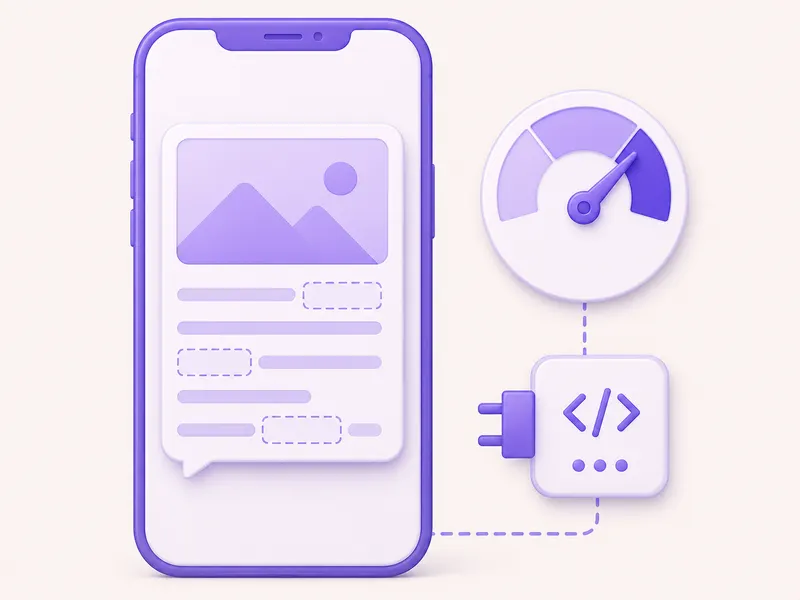
The general advice about this says „be personalised“. The concrete question is: who replies to messages and within what time? Is there an automatic reply outside opening hours? Does your business profile have an address, opening hours and a description? Do you separate people who wrote in for support from those who consented to offers?
There are 27 such items, in five areas. They take fifteen minutes and change how the channel works.
What one item looks like
Every item carries five parts:
- The check itself — one sentence. For instance: outside opening hours a message receives an automatic reply stating when you’ll respond.
- Why it matters — the concrete consequence. Here that’s usually a lost order, a block or a drop in account score.
- How to fix it — the steps. What to set in the business profile, in the message templates or in the sending rules.
- Impact rating (1–3) — how much it changes the result.
- Estimated cost of the fix (1–3) — a one is filling in the profile, a three is putting a person on message duty.
The items come with recommended tools, marked free or paid.
You score with four buttons: Good, Could be better, Bad, Not applicable. The last is excluded from the score.
The repair plan
Everything scored „Bad“ or „Could be better“ goes into the repair plan, sorted by the formula (impact + cheapness) × urgency.
With WhatsApp the formula usually pushes profile settings and automatic replies to the top — high impact, low cost, done in one morning. Things that need human time, like staffing message duty, fall lower because they cost the most.
The plan exports to PDF and CSV.
Why there’s no automatic check here
With the site checklists the tool fills in part of the scores itself, because it can open a site and read it.
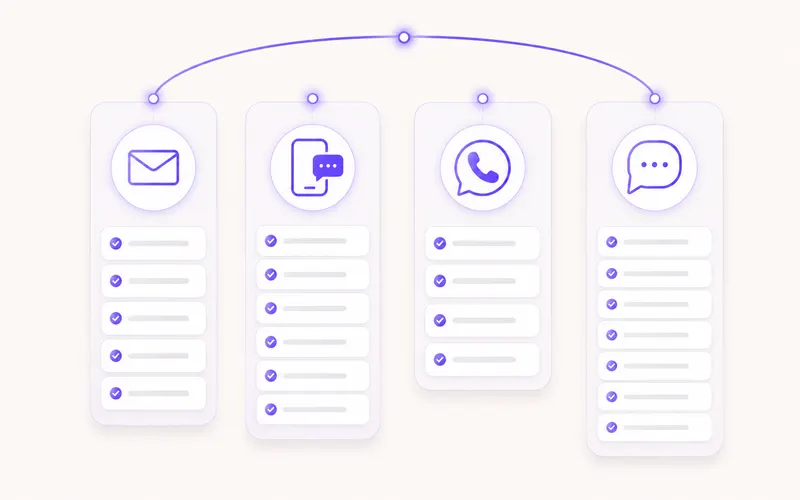
It can’t do that with your WhatsApp business account. It has no access to your conversations, contacts or number rating — and doesn’t ask for it. That’s reasonable enough: these are customers’ messages, not public pages. All 27 items are scored by you.
In practice that takes fifteen minutes, with the business account open in your hand. The answers are immediately visible: either the profile has opening hours or it doesn’t, either an automatic reply exists or it doesn’t.
On top of that, working through the list forces you to look at conversations from a week ago — and there you usually find at least one message nobody answered.
A real example
A furniture showroom uses WhatsApp for questions about availability and delivery. Around 300 messages arrive a month. The owner notices that many people ask once and then vanish.
The checklist is done in twenty minutes. Result: 8 good, 9 could be better, 8 bad, 2 not applicable.
The repair plan:
- There’s no automatic reply outside opening hours — messages sent in the evening sit until morning without a word — impact 3, cost 1.
- The business profile has no address, opening hours or description — impact 2, cost 1.
- The three most common questions are answered by hand every time, on average after 4 hours — impact 3, cost 2.
- Offers are sent to people who wrote in about a complaint — impact 3, cost 1.
The first two were done the same day. The third was solved with saved replies, and the average response time fell to 40 minutes. The fourth was solved by splitting the contacts into two groups.
A month later the number of enquiries ending in a visit to the showroom had risen from 31 to 58. The number of messages stayed the same.
Honestly: WhatsApp is a channel that demands human time. If you have nobody to answer messages, no setting in this checklist will make up for it — an automatic reply buys you an hour, it doesn’t solve the absence of an answer. That’s the one item a tool can’t make easier.
Frequently asked questions
How does WhatsApp differ from Viber and SMS?
It's two-way. Here a person replies to your message and expects you to answer. If you have nobody to answer, the channel works against you — which is why the „General“ area begins with the question of who replies to messages and within what time.
Why is there a separate area about account quality?
Because here the quality of your number is measured and it affects how many messages you're allowed to send. If people block or report you, the score falls, and your limit falls with it. Those four items cover what to monitor and what to do when the score starts sliding.
What's the most common mistake?
Sending promotional messages to people who wrote in for support. Somebody asked where their parcel is and gets a sale offer — that's the fastest route to a block and a poor account score.
Do I need WhatsApp if I already have Viber?
It depends on your audience. If your customers write to you on WhatsApp, then yes — regardless of what you use for campaigns. This checklist covers that part too: how the business profile, opening hours and automatic replies work when you're away from the phone.
The other checklists
Email marketing
205 checks
205 checks across 7 areas — from automations and newsletters to pop-ups, testing and creative.
SMS
32 checks
32 checks across 5 areas — consent, writing the message, automations, campaigns and promotions.
Viber
27 checks
27 checks across 5 areas — consent, message design, automations, campaigns and account quality.
Set WhatsApp up properly
Create an account and work through 27 checks. It takes fifteen minutes and shows you whether the channel is working for you or against you. The free plan asks for no card.
No card · No contract · Cancel anytime