Checklists
You stop wondering what to do next
Eight checklists with 1,199 checks in total. Every item says why it matters, how it is fixed, how much it affects and what it costs to sort out — and the repair plan sorts all of it by what pays off.
- 0
- checks in total
- 0
- for your site
- 0
- for marketing channels
For your site
Four checklists covering the site itself
From technical quality and content, through whether the site sells, to local searches and AI answers.

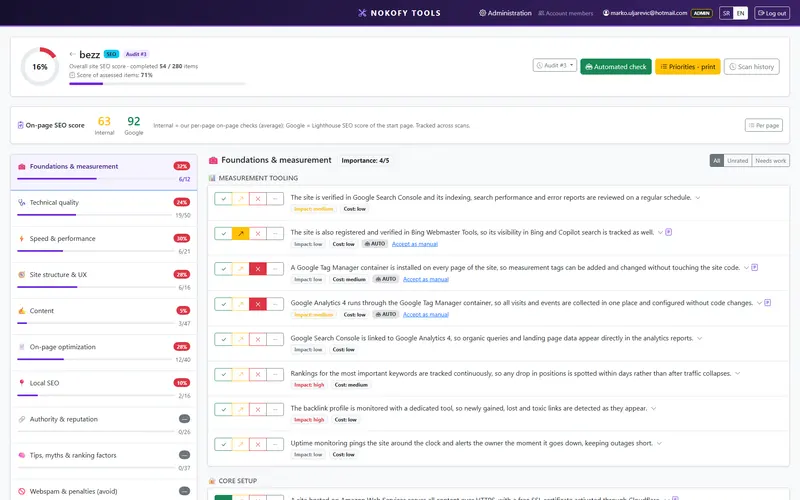
SEO checklist
280 checks280 checks across 10 areas — from technical quality to content and authority, with a repair plan at the end.
10 areas · Foundations and measurement · Technical site quality · Speed and performance …
Learn more →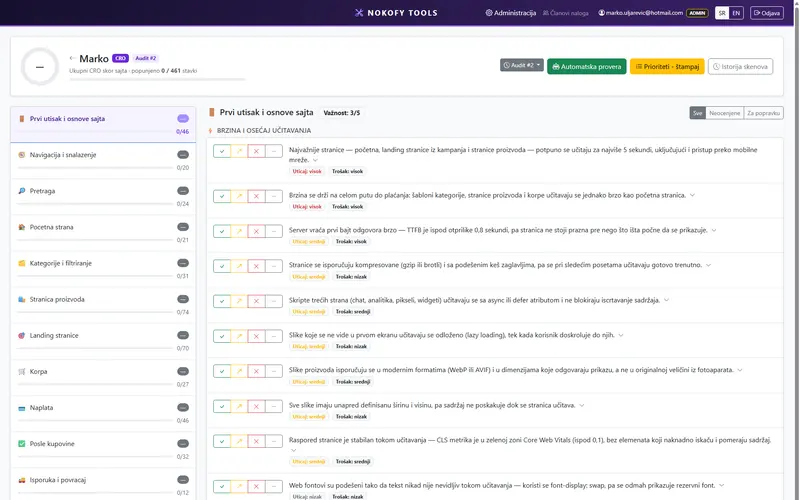
Ecommerce checklist
461 checks461 checks across 15 areas — from first impression and search to basket, checkout and what happens after the purchase.
15 areas · First impression and site basics · Navigation and orientation · Search …
Learn more →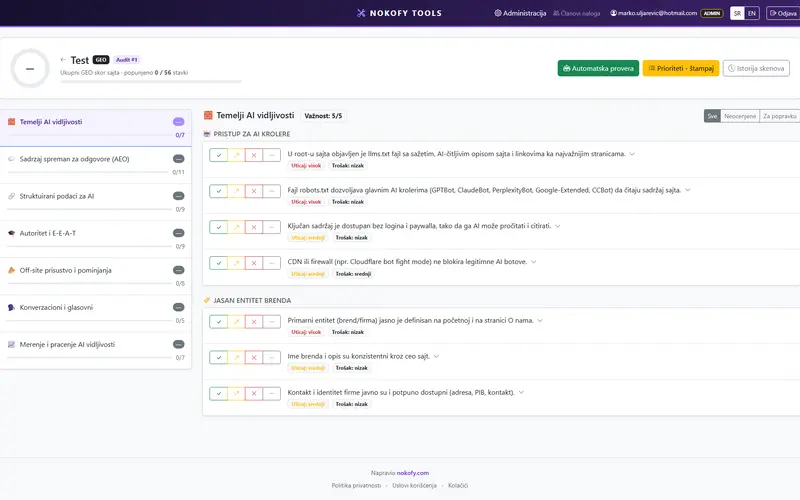
AI visibility (AEO and GEO)
56 checks56 checks across 7 areas — how to make your site the source an AI pulls its answer from, rather than a page it skips.
7 areas · Foundations of AI visibility · Content ready to be answered from · Structured data for AI …
Learn more →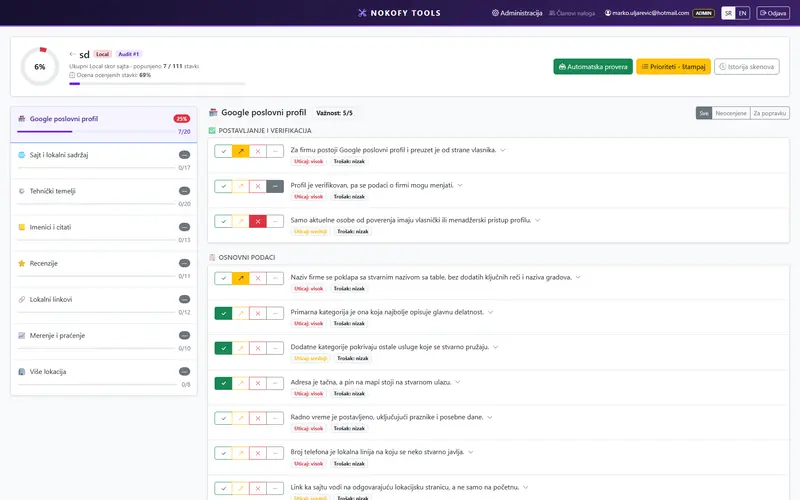
Local SEO
111 checks111 checks across 8 areas — business profile, local content, directories, reviews and tracking results.
8 areas · Google Business Profile · Site and local content · Technical foundations …
Learn more →For marketing channels
Four checklists for what happens off the site
You already paid to get the visitor here. These channels decide whether they come back.
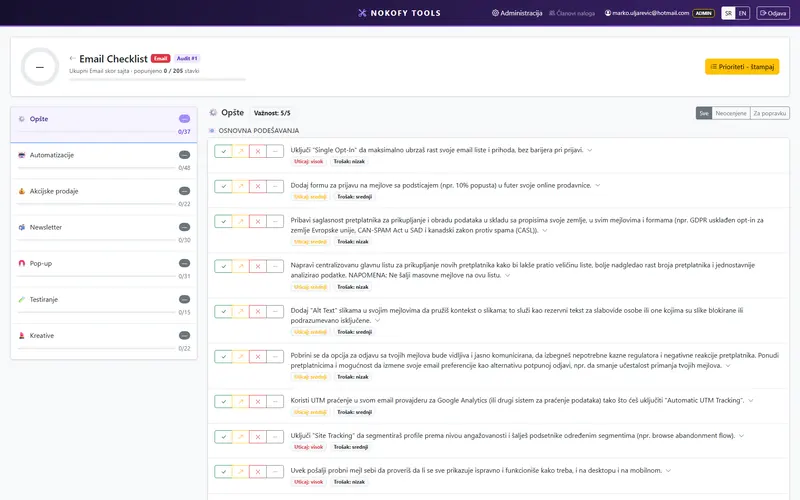
Email marketing
205 checks
205 checks across 7 areas — from automations and newsletters to pop-ups, testing and creative.
Learn more →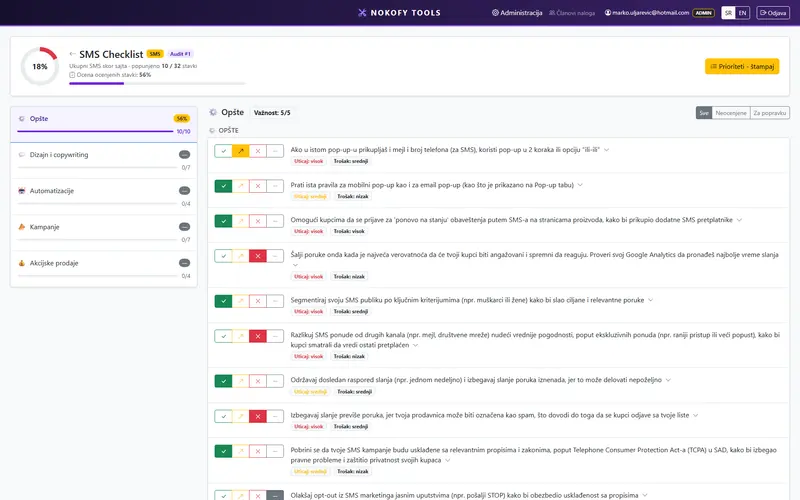
SMS
32 checks
32 checks across 5 areas — consent, writing the message, automations, campaigns and promotions.
Learn more →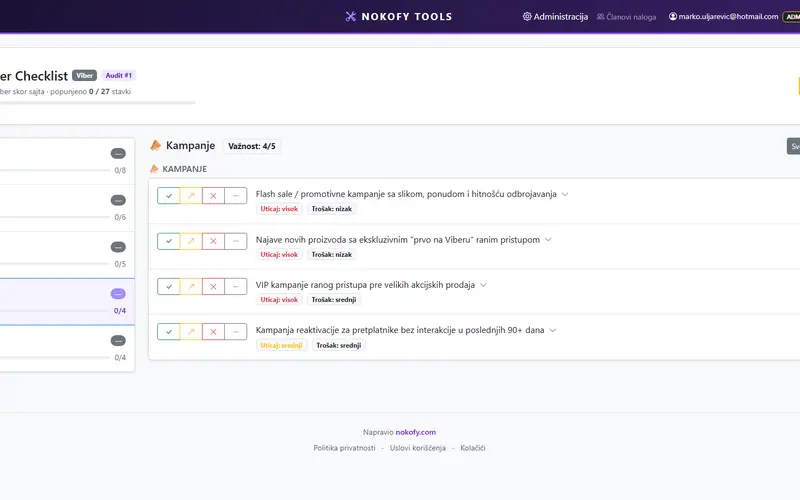
Viber
27 checks
27 checks across 5 areas — consent, message design, automations, campaigns and account quality.
Learn more →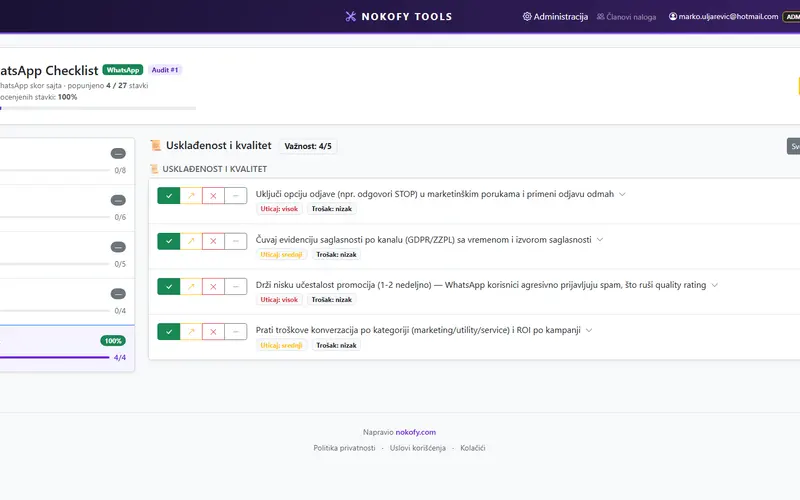
27 checks
27 checks across 5 areas — consent, business profile and messages, automations, campaigns and account quality.
Learn more →How the checklists work
Every item is one concrete check, not general advice. Beside it sits why it matters and how to fix it, plus a rating of how much it affects and what it costs to sort out. You score it with four buttons: good, could be better, bad, or not applicable — and the last is excluded from the score, so you are not penalised for what does not apply to your site.
Once you have been through the list, the repair plan takes everything scored bad or „could be better“ and sorts it by a formula combining impact and cheapness of the fix. What returns most for least effort goes to the top. You can export the plan to PDF or a spreadsheet — handy when somebody else does the work.
For the site checklists, the tool fills in part of the scores itself. The automatic check visits a sample of pages by type and scores everything a machine can verify, in two to five minutes. It never touches manual scores, and what it filled in is marked — so you can „accept it as manual“ if you want the next pass to leave it alone.
For marketing channels there is no automatic check and we do not pretend otherwise — the tool has no access to your email account or your messages. You score those items yourself, but you get the same repair plan and the same history of progress.
Open your first checklist in five minutes
The free plan gives you a personal checklist per type and two automatic checks a month. No card.
No card · No contract · Cancel anytime