Email marketing checklist: 205 checks and best practices
Your list is sitting there. So is the money. You've collected addresses, you send occasionally, hardly anyone opens. This checklist walks through 205 things that separate a list that sells from a list gathering dust.
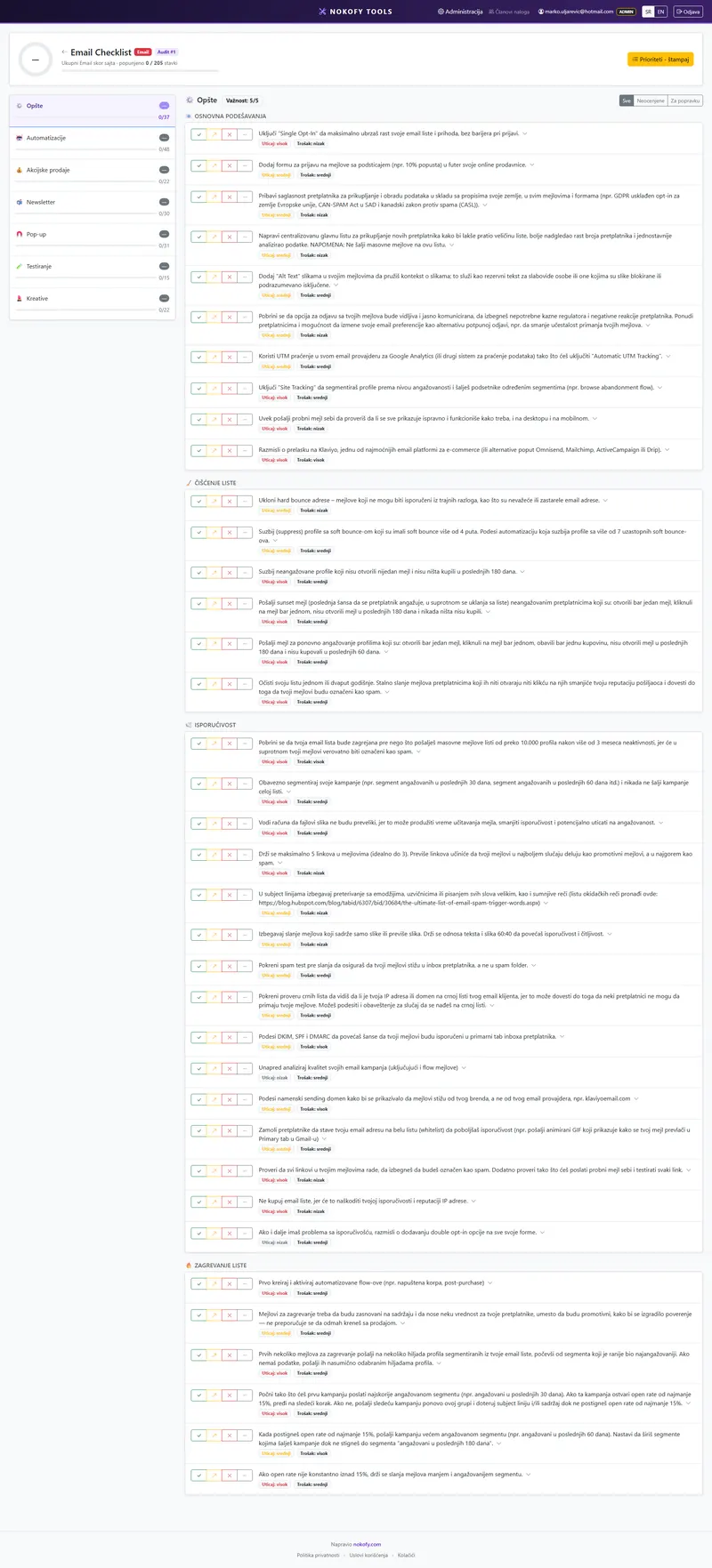
0
checks in this checklist
across 7 areas · every item explains why it matters and how to fix it
What it covers
The items are split into areas. The number beside each says how many checks it carries.
Why a checklist rather than general advice
Advice about email marketing is always the same: write a good subject line, personalise, don’t send too often. All true, and no use at all when you sit down to actually do something.
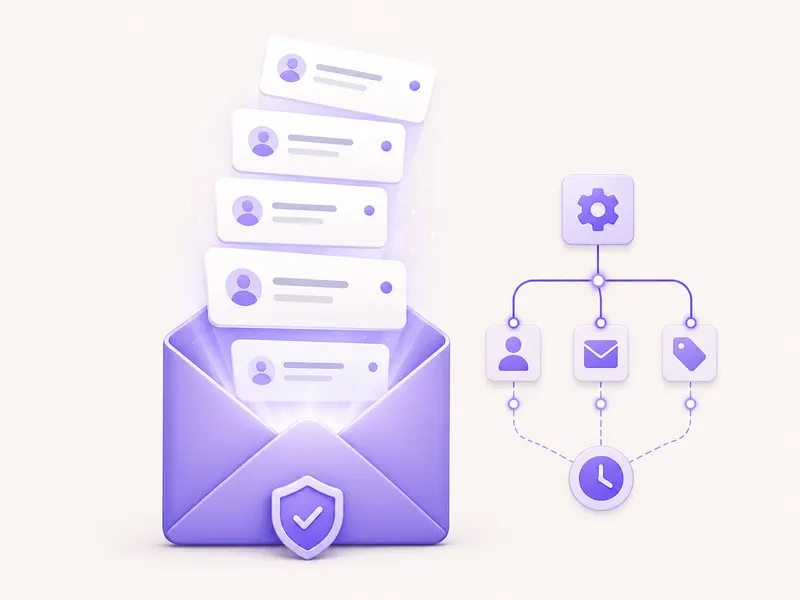
The concrete questions look different. Do you have an abandoned basket automation? Does it have two steps or one? How many hours after abandonment does the first one go? Does it switch off when the person buys anyway? Does your pop-up fire the moment somebody enters the site, or after some behaviour? Do you have a procedure for addresses that haven’t opened anything in six months?
You can answer each of those in ten seconds. There are 205 of them, in seven areas.
When you finish, you don’t get a grade in email marketing. You get a list of what you’re missing, sorted by what to do first.
What one item looks like
Every item carries five parts:
- The check itself — one plain sentence. For instance: the abandoned basket automation has at least two steps and switches off after a purchase.
- Why it matters — what specifically you lose. How many orders pass you by, or why your emails end up in junk.
- How to fix it — the steps. What gets set up, in what order, with what spacing.
- Impact rating (1–3) — how much this item changes the result.
- Estimated cost of the fix (1–3) — a one is changing text in an existing email, a three is a new automation from scratch.
Each item comes with recommended tools, marked free or paid.
You score with four buttons: Good, Could be better, Bad, Not applicable. The last is excluded from the score — if you don’t have a shop, promotions don’t drag your result down.
The repair plan
Everything scored „Bad“ or „Could be better“ enters the repair plan, sorted by the formula (impact + cheapness) × urgency.
With email marketing that formula almost always pushes automations to the top, not campaigns. The reason is arithmetic: a campaign is sent once, an automation runs every day. If you’re missing an abandoned basket flow, that’s one item you set up in two hours and it pays back for months.
The plan exports to PDF and CSV — one to show, the other to hand out as tasks.
Why there’s no automatic check here
With the site checklists the tool fills in part of the scores itself, because it can open a site and read it.
It can’t do that with your email sending account. It has no access to your list, your automations, your open reports — and doesn’t ask for it. Which means all 205 items are scored by you.
That sounds like a drawback, but it has a good side. While you work through the list you open your own account and look at how things actually stand. Most people discover right there that an automation set up a year ago is running on the wrong condition, or was never switched on at all.
Going through the whole checklist takes about an hour and a half the first time. Afterwards it goes much faster, because you only revisit what has changed since.
A real example
A cosmetics shop, a list of 8,400 addresses, a newsletter twice a month. Email brings in about 6% of turnover and the owner assumes that’s normal.
The checklist is done in an hour and forty minutes. Result: 71 good, 63 could be better, 48 bad, 23 not applicable.
At the top of the repair plan:
- There’s no abandoned basket automation — impact 3, cost 2.
- The welcome series has one email instead of three — impact 3, cost 2.
- The pop-up fires the instant the site opens, and covers the whole screen on a phone — impact 3, cost 1.
- No subject line has ever been tested — impact 2, cost 1.
The third item was solved the same day. The first took two hours of work to set up. The second took a week, because three texts had to be written.
Two months later email was carrying 14% of turnover. There wasn’t a single new campaign — what was set up once was doing the work.
Honestly: this checklist doesn’t know what your list looks like or how many people unsubscribe. It covers what is known to work for most — but if you have a specific audience or a product with a long decision cycle, some items will matter less to you than it says. That’s exactly why the „Not applicable“ button exists.
Frequently asked questions
Why do automations have the most items?
Because they work while you sleep. Abandoned basket, welcome, first purchase, winning back the inactive — set up once, they run for months. In most shops those automations bring in more than all the campaigns put together, and they're set up halfway or not at all.
You're giving me 205 items and I send one email a month.
Then you need two areas: „General“ and „Automations“. Mark the rest „Not applicable“ and it leaves the score. Once you've set up the three basic automations, come back for the rest.
Is this tied to a particular sending tool?
No. The items are written to hold regardless of what you send with. Where the tool does make a difference, the „how to fix it“ step says what to look for in your own system.
Why do pop-ups have 31 items?
Because that's where the list is built in the first place, and where most mistakes are made. When it appears, to whom, what it offers, how it looks on a phone, what happens when somebody closes it — every one of those decisions changes both the number of sign-ups and the quality of the list.
Can I do this for several clients?
On Pro and Business you get projects per client — each with its own audit, several audits over time and a history of progress. The free plan has one personal checklist per type.
The other checklists
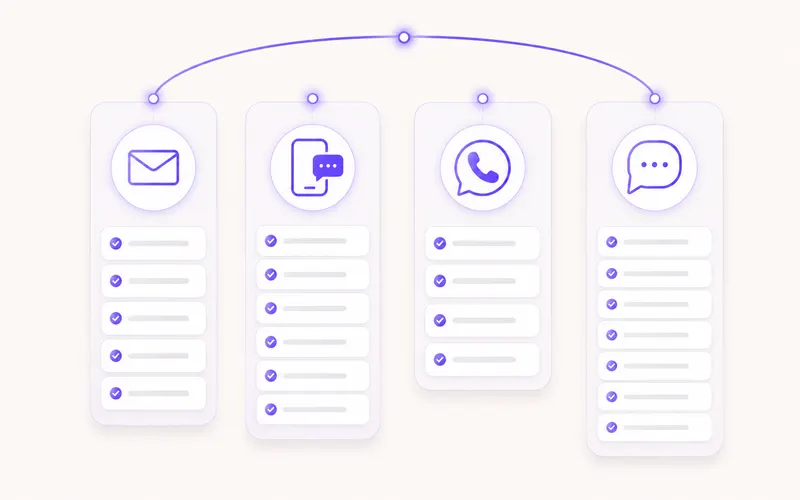
SMS
32 checks
32 checks across 5 areas — consent, writing the message, automations, campaigns and promotions.
Viber
27 checks
27 checks across 5 areas — consent, message design, automations, campaigns and account quality.
27 checks
27 checks across 5 areas — consent, business profile and messages, automations, campaigns and account quality.
See what your email is missing
Create an account and work through 205 checks. In an hour you'll know which three automations you're missing and what that costs you. The free plan asks for no card.
No card · No contract · Cancel anytime