Question research: the real Google questions for your topic
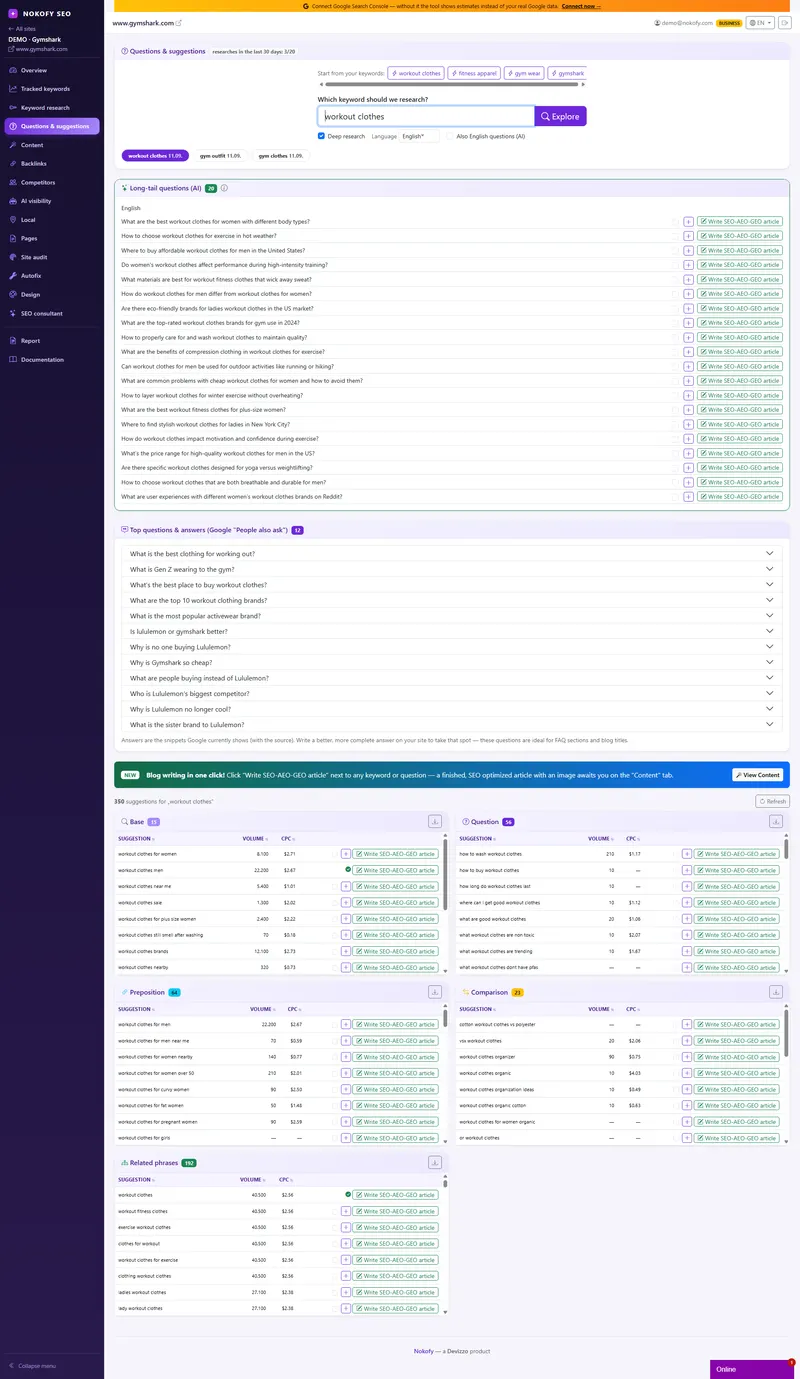
Stop guessing what to write about. You type one word from your business. Nokofy asks Google what people actually type alongside it and hands back a list of real questions — with search volume and cost per click next to each one.
- 500+
- topics out of a single word
- 1 click
- to a finished SEO-AEO-GEO article
- 6+
- checks before the article reaches you
The problem: you write, and nobody comes
You sit down to write something for the site and get stuck on the first step — about what? So you write „Why choose us“, „Our services“, „Quality that pays off“. A month goes by, the stats say zero, and you conclude that SEO doesn’t work.
The text wasn’t the problem. The problem is that nobody was looking for it.
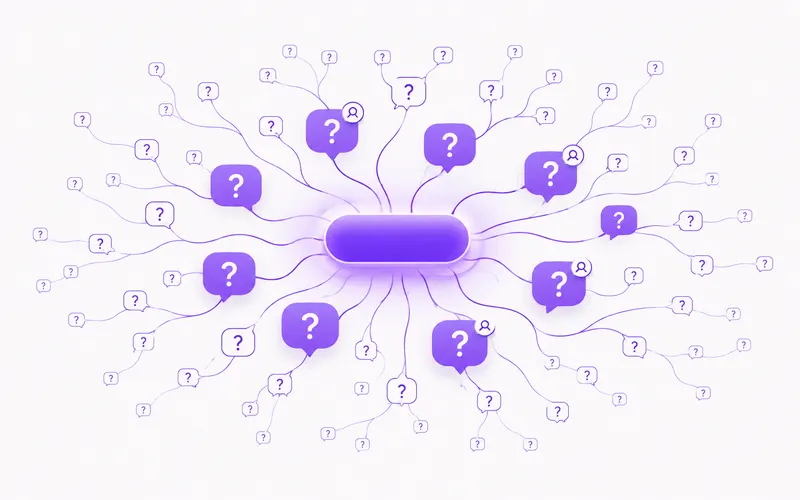
Google records millions of real questions every day. When someone is thinking about buying what you sell, they ask five to ten specific questions before they buy — about price, about installation, about whether it’s worth it, about what happens when it breaks. Those questions are a ready-made list of topics. You just need a way to get at them.
How it works
You type one word — not your company name, but a service or a product. Say „wifi thermostat“.
Nokofy runs that word through live Google search in nineteen ways: as a question (who, what, how, why, how much, does…), with prepositions and modifiers (for, without, with, instead of…), as a comparison (or, vs, against). Each of those queries returns what Google genuinely offers people as they type.
Then comes the step most tools skip: from the real search results we pull the „People also ask“ block — with the questions, the short answers Google displays, and the site each answer was taken from.
Finally every suggestion gets monthly search volume and cost per click — so you see at once both how much it’s searched and how much advertisers pay to sit on that keyword. A high cost per click is the cheapest confirmation that a keyword brings buyers, not just curious visitors.
If a topic looks good, the „Go deeper“ button starts a second round — through the whole alphabet, for the long, specific phrases competitors usually leave uncovered. One basic word easily turns into over five hundred topics, enough for a year of writing.
What you get on screen
Results arrive in groups, so you don’t drown in a list of two hundred rows:
- Questions — everything people ask around your keyword, with volume
- Suggestions — phrases with prepositions („thermostat without a neutral wire“)
- Comparisons — where people measure you against someone else
- The base keyword and its variations
- Extra suggestions — the long tail from deep research
- Related phrases — up to two hundred connected terms
- People also ask — the question, Google’s answer and the source
Next to every row sit three buttons: Track (the keyword goes into rank tracking), Go deeper (new research with that term) and Write an SEO-AEO-GEO article (the text starts being written on that topic).
When Google has no good answer for a question in that block, we mark it specially. That’s the cleanest opening the tool can find: the question is being searched, and nobody has answered it properly.
A whole article in one click — and six checks before it reaches you
This is the part that separates Nokofy from keyword research tools. When you find a question worth writing about, you don’t copy it into another tool and open a blank document. You click the green button next to it and the article starts writing itself.
It’s written for three kinds of search at once — SEO, AEO and GEO. Classic search wants structure and keywords in the right places. Answer engines (Google’s AI answers, featured snippets) want the question as a subheading and a short, clear answer right below it. AI assistants want content they can cite and a source they trust. The text is written to satisfy all three, because all three keep converging.
Before the article reaches you it passes at least six checks:
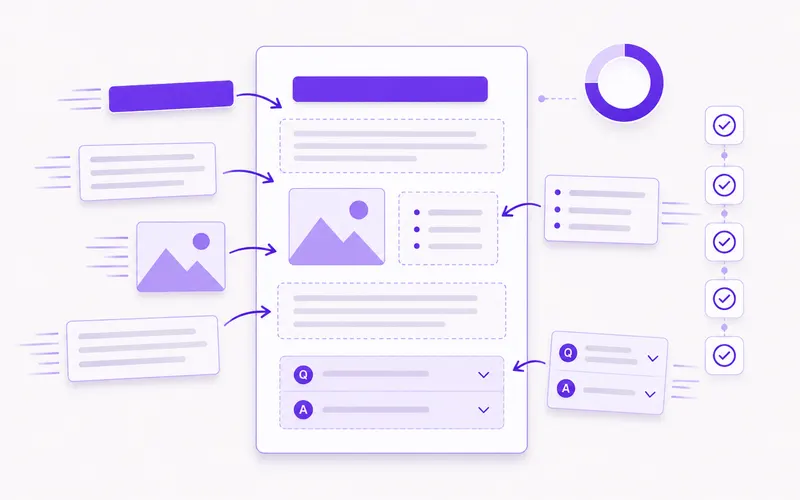
- Structure before writing — the title, subheadings and common questions are planned first, and only then written. You can look at the structure before spending a credit.
- Length of each section — if one comes out too short, only that section is regenerated, not the whole text.
- An SEO score from 0 to 100 across eleven checks: keyword in the title, in the H1, in the first paragraph and in the description; title and description length; at least three subheadings; word count; at least two links; alt text on every image; a FAQ block present.
- Structured data (JSON-LD) — Article, FAQPage, Breadcrumb, plus steps for how-tos and items for lists. That’s what Google reads in order to show you more richly in the results.
- An AI editor goes through the finished text and flags repetition, empty phrases like „in today’s world“, unsupported numbers and grammatical mistakes.
- Duplicate check — if you’ve already covered a similar topic, the tool notices and doesn’t spend a credit twice.
Only after all of that does the article land in the „Content“ tab, with images, a table of contents, a FAQ block and internal links to your existing pages. You read it, polish it in the editor and put it on your site.
A real example
A joiner in Novi Sad sells fitted kitchens. He types „fitted kitchens“.
Two minutes later the screen shows, among other things:
- „how much does a fitted kitchen cost“ — 720 searches a month
- „fitted kitchens reviews“ — 260
- „fitted kitchen or ready-made“ — 140
- „how long does a fitted kitchen take“ — 90
Not one of those four topics was on his site. All four are questions his customers ask him on the phone every day — except he has been answering them one caller at a time, instead of answering once, publicly, and being found because of it.
The first question has the highest volume and the clearest buying intent — and next to it sits the cost per click, showing that somebody is already paying for ads on that keyword. One click on the green button and an article about the price of fitted kitchens starts being written.
Who gets the most out of this
If you’re just starting — this is the only screen you need on day one. It gives you a list of topics for the next six months.
If you already write a blog — check how much your existing topics are actually searched for. Most people get an unpleasant surprise here.
If you run sites for other people — research for a new client takes two minutes instead of half a day, and you immediately have a content plan you can show.
Honestly: this is not an archive with five years of history. We work with what Google is offering now, plus our own database that fills up every day — which is more useful for writing content, but not for historical analysis.
Frequently asked questions
Where do those questions come from?
From live Google search — autocomplete (what Google offers you while you type) and the „People also ask“ block that appears inside the results. These are not questions from a database built two years ago, but what is being searched right now.
How is this different from ordinary keyword research?
Keyword research tells you that „wifi thermostat“ is searched 480 times a month. Questions and suggestions tell you that people specifically ask „does a wifi thermostat work without internet“ — and that is an article you can write today, and a question a buyer wants answered before they buy.
What is „People also ask“ and why does it matter?
It is the block of questions Google shows in the middle of the results, with a short answer pulled from some site. We show you the question, that answer and the source. When Google has no good answer for a question, that is your opening — write a better one and the spot can be yours.
Am I charged every time I open the results?
No. Earlier research opens from memory and costs nothing. Only running NEW research, or refreshing old research, is counted.
How much research can I run?
It depends on the plan: free two per month, Pro five, Business twenty. The counter sits on the screen so you always know what's left.
What does the „Go deeper“ button do?
It takes one suggestion from the list and runs new research with it as the topic — and walks the whole alphabet to pull out long, specific phrases. You use it when you find a promising topic and want to exhaust it.
Works together with
The tools in Nokofy build on each other — here is what naturally goes with this one.
Content generator
Click next to a question and the article answering it arrives finished — you read it and publish it yourself.
More →Tracked keywords
Once you publish the article on your site, its keyword enters rank tracking by itself.
More →Keyword research
For when you need a wider list of keywords, not only questions.
More →See what people ask in your industry
Create an account, type one word from your business, and in two minutes you have a list of real questions with search volume. The free plan asks for no card.
No card · No contract · Cancel anytime