Ecommerce CRO checklist: 461 checks from first look to checkout
The visitors arrive. The buying doesn't happen. Traffic is half the job — the other half is that the person who arrived actually buys. This checklist walks through 461 things that decide whether they stay or close the tab.
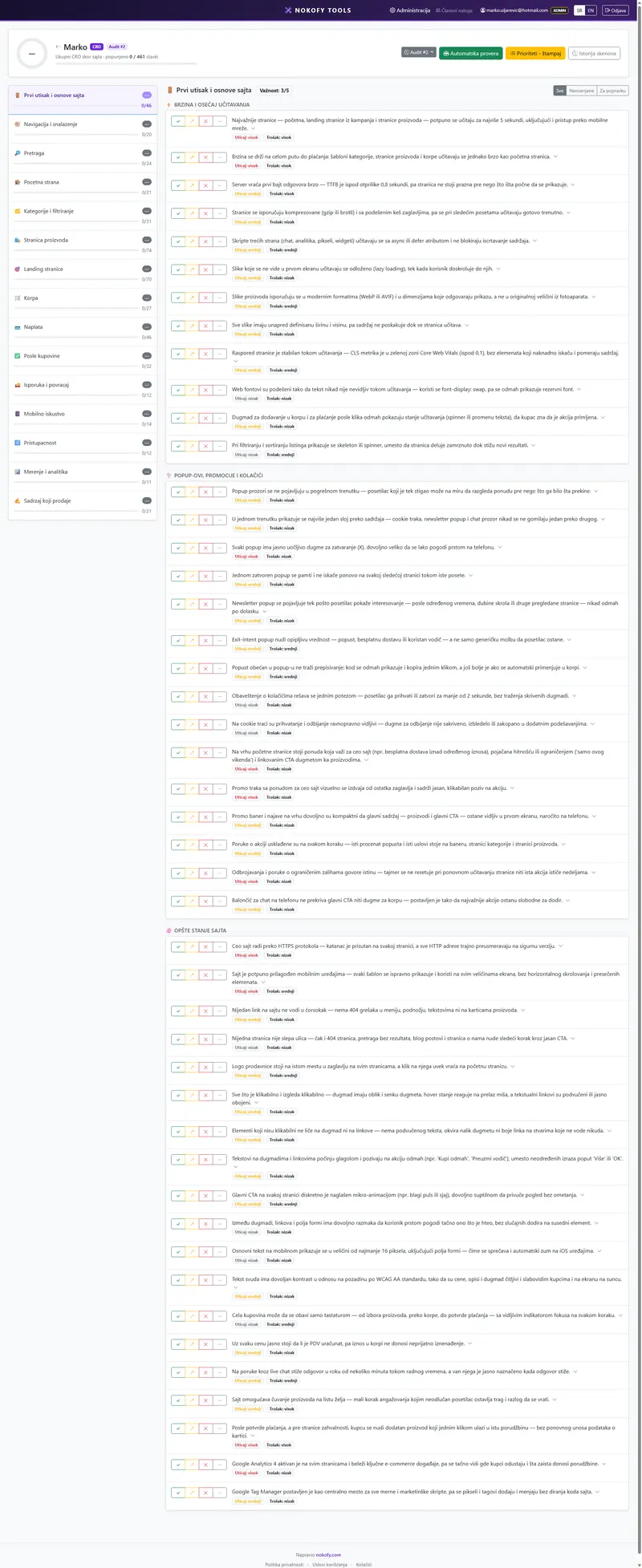
0
checks in this checklist
across 15 areas · every item explains why it matters and how to fix it
What it covers
The items are split into areas. The number beside each says how many checks it carries.
Why a checklist rather than general advice
„Optimise your conversions.“ Fine — how?
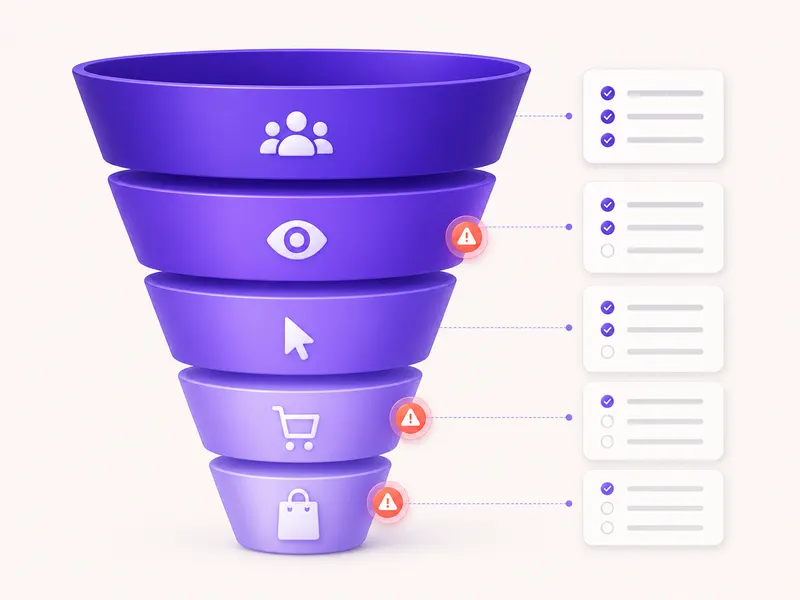
Most advice about selling on a website stops at the level of principle: be clear, build trust, reduce friction. All true, and all unusable on a Tuesday when something concrete has to change. No principle tells you whether you’re missing an availability label on the product page, or whether the problem is that the delivery cost only appears at the third step of checkout.
This checklist is a list of 461 concrete things. It doesn’t ask you to understand buyer psychology — it asks you to look at your page and answer yes or no.
It’s laid out along the path a buyer actually takes: first impression, orientation, search, category, product, basket, checkout, and what happens afterwards. Wherever you’re losing people, that area is on the list.
What one item looks like
Every item carries five things:
- The check itself — one plain sentence, no marketing jargon.
- Why it matters — what specifically you lose. Not „poor user experience“, but which step people abandon and why.
- How to fix it — the steps. What changes, where, and what it looks like when done properly.
- Impact rating (1–3) — how much it changes sales. A three shows in the numbers, a one is tidiness.
- Estimated cost of the fix (1–3) — a one is a text change, a three needs a developer or a theme change.
Every item comes with recommended tools, marked free or paid — so you’re not left searching.
You score with four buttons: Good, Could be better, Bad, Not applicable. The last is excluded from the score, so a company site doesn’t come out badly because it has no basket.
The repair plan
Everything scored „Bad“ or „Could be better“ goes into the repair plan. The tool sorts it by the formula (impact + cheapness) × urgency — first what returns most, costs least and is most urgent.
For shops that formula usually produces an unexpected order. The homepage redesign, which was the first idea, lands in thirtieth place. At the top end up three text changes that take one morning.
The plan exports to PDF and CSV — one for the presentation, the other for the task system.
What the tool scores instead of you
The automatic check covers around 150 checks and fills in part of the scores by itself.
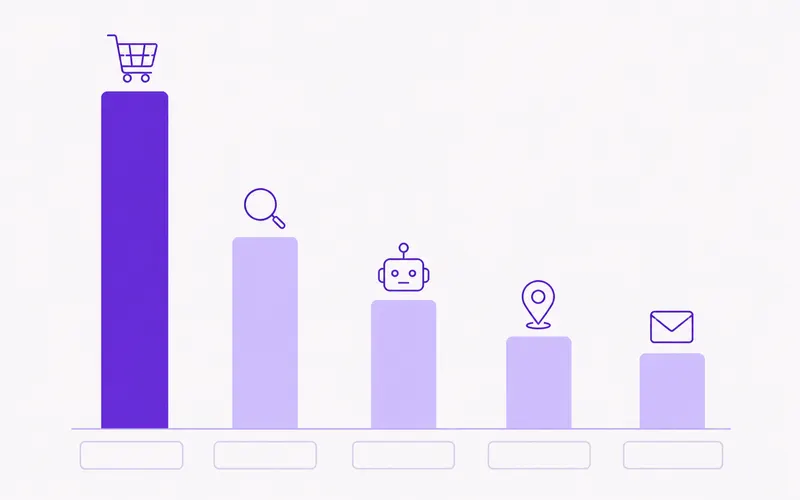
It takes a sample of pages by type: up to eight products, four categories, two text pages, the basket and the homepage. It walks a cross-section, not the whole catalogue — which is why it takes two to five minutes, not half a day.
Manual scores are never touched. If you’ve scored something yourself, your score stays. Everything the tool fills in is marked as automatic; when you check it and agree, you click „accept as manual“.
What the tool can’t see stays with you: whether the product description is accurate, whether the photograph shows what actually arrives in the box, whether your returns policy is fair. Those are often the most expensive items on the list.
A real example
A children’s equipment shop, around 1,200 items, 9,000 visits a month. The owner knows something’s wrong: people add to the basket, then vanish.
The automatic check fills in 143 items in four minutes. The manual part takes three hours. Final tally: 198 good, 154 could be better, 71 bad, 38 not applicable.
At the top of the repair plan:
- The delivery cost is first visible at the second step of checkout — impact 3, cost 1.
- There’s no indication of stock availability until the basket is opened — impact 3, cost 2.
- Checkout requires creating an account, with no guest option — impact 3, cost 2.
- On mobile the „Add to basket“ button sits below the fold — impact 2, cost 1.
The first item was solved the same day: the delivery cost moved onto the product page. The other three went into the plan for the next two weeks.
Honestly: this is a checklist, not an A/B test. It shows you where the known problems are and what is known about them, but it doesn’t measure how much your particular change will bring. For that you still need measurement on your own site — which is exactly why the „Measurement and analytics“ area is on the list.
Frequently asked questions
I have a company site, not a shop. Does this make sense for me?
It does, but not all of it. You mark the basket, checkout and category areas „Not applicable“ and they leave the score. What remains is first impression, navigation, landing pages, content that sells and measurement — still over 200 checks.
Why does the product page have 74 items?
Because that's where the purchase is decided. Images, description, price, availability, delivery, reviews, alternatives, the add-to-basket button — each of those elements has its own rule, and each omission costs directly in sales.
Do I need the SEO checklist if I'm doing this one?
They do different jobs. SEO brings people to the site, CRO turns them into buyers. If you have traffic and no sales, start here. If you have neither, do both.
How long does it take to go through 461 items?
The automatic check fills in part of it in a few minutes. The manual part is usually two to four hours of work, and it doesn't have to be in one sitting — the checklist remembers where you stopped and you can work area by area.
Can I do this for clients?
Yes, on Pro and Business. There you get projects per client, several audits over time and history — so you can show the state before and after. The free plan has one personal checklist per type.
The other checklists
SEO checklist
280 checks
280 checks across 10 areas — from technical quality to content and authority, with a repair plan at the end.
AI visibility (AEO and GEO)
56 checks
56 checks across 7 areas — how to make your site the source an AI pulls its answer from, rather than a page it skips.
Local SEO
111 checks
111 checks across 8 areas — business profile, local content, directories, reviews and tracking results.
See where your sales are leaking
Create an account, run the automatic check on your shop, and in five minutes you have a list of the most expensive omissions. The free plan asks for no card.
No card · No contract · Cancel anytime