Google Search Console is the only source that tells you what actually happened — how many times you appeared, how many times you were clicked and in what position. Everything else in SEO tools, ours included, is an estimate.
It’s free, but most people open it once during setup and never again. Here are five reports that are worth it and what to look for in them.
1. Queries with many impressions and few clicks
Where: Performance → Queries, sort by impressions.
This is the fastest money in all of SEO. Look for queries where you have hundreds of impressions and a single-digit number of clicks. That means Google is showing you, but people are choosing somebody else.
The cause is almost never the position but the title and description — what a person reads before they click. Rewriting takes five minutes and the effect shows within a week.
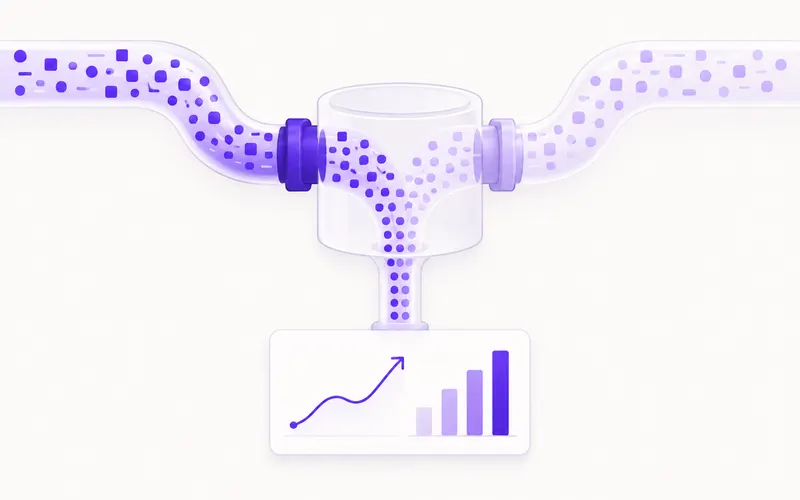
How to spot a good opportunity: average position between 5 and 15, impressions over 200 a month, CTR under 2%. Such a page already has Google’s trust — all it lacks is a reason to be clicked.
2. Queries at the bottom of page one and the top of page two
Where: Performance → Queries, filter by average position from 8 to 20.
These are keywords where you’re only just short. The page already exists, Google already ranks it, it just isn’t high enough to bring clicks — because the second page of results practically doesn’t exist.
For these you don’t write a new text but extend the existing one: add a section that answers the question more clearly, add an internal link from a stronger page, check that the keyword is in the title and in the first paragraph.
This is two hours of work that produces a result more often than two new articles.
3. Pages that lost traffic
Where: Performance → Pages, compare the last three months with the three before.
Sort by the biggest drop in clicks. For every page that fell there are three possible causes:
- the text is out of date — prices, years, regulations that have changed
- somebody wrote something better — open that keyword in search and see who is above you now
- a Google update — if the drop was sudden and hit several pages at once
The first two are fixed by refreshing the text. The third should be checked first — the tool keeps a list of confirmed Google changes with dates, so you can line the drop up against them before you start rewriting something that was never broken.
4. Indexing: what Google didn’t record
Where: Indexing → Pages.
This shows how many pages Google knows about, how many it rejected and why. The reasons worth looking at:
- “Discovered — currently not indexed” — Google knows the page exists but hasn’t taken it. Usually a sign that the content is thin or that there are too many similar pages.
- “Duplicate, Google chose a different canonical” — you have the same content at several addresses.
- “Excluded by noindex tag” — check whether that was deliberate.
- “Server error (5xx)” — the most urgent of all.
The goal isn’t for every page to be indexed. The goal is for the pages that matter to you to be, and for filters and internal search results not to be.
5. Real speed, from real visits
Where: Experience → Core Web Vitals.
These aren’t laboratory measurements but readings from real visitors’ browsers. That’s why they differ from what testing tools show — and why they’re more accurate.
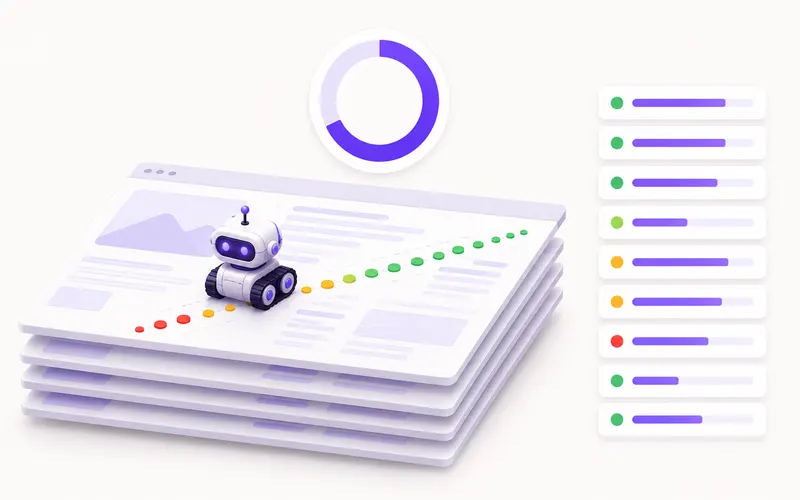
Watch one thing only: how many URLs are in the red. If it’s a few, leave it and work on content. If half the site is red on mobile, that costs you both positions and sales, and it’s worth solving before a single new text is written.
Two things most often read wrong
Average position isn’t your position. It’s the average of all impressions, including searches from other towns and other devices. If it says 8.4, that doesn’t mean you’re in eighth place — it means you’re somewhere between third and twentieth, depending on who is searching.
A drop in impressions isn’t always bad. If you stopped appearing for keywords that never brought clicks, impressions fall and the business stays the same. Watch clicks and the number of different queries, not impressions.
If you don’t know where to start
Do it in this order, once a month, and it fits into half an hour:
- Queries with many impressions and few clicks → rewrite the titles.
- Queries in positions 8–20 → extend the existing texts.
- Pages in decline → check the cause before you change anything.
- Indexing → only fix server errors and unintentional
noindextags. - Core Web Vitals → look, but don’t panic.
Connecting Search Console to the tool has another benefit: positions for keywords you already rank for are read from there for free, instead of being measured with paid API calls.