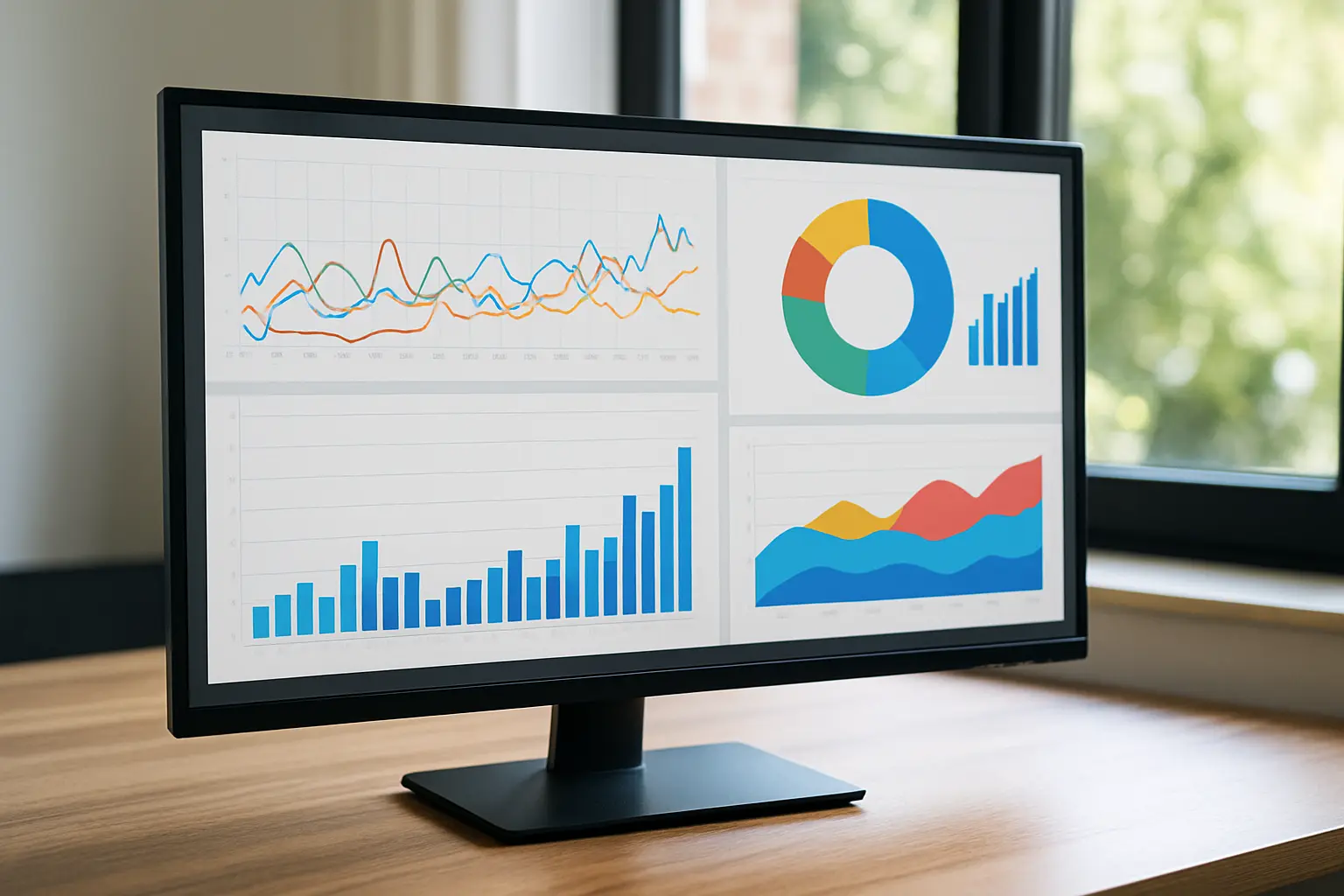
If you want to grow your online visibility and boost SEO results, you need to analyze website pages traffic in a structured, actionable way. This article explains a step-by-step process that helps you spot top-performing pages, identify those that underdeliver, and create a clear improvement plan—so you know exactly where to focus your optimization efforts.
In this article:
- Key takeaways
- What You Need to Get Started
- Step 1: Identify Top-Performing Pages by Traffic
- Step 2: Perform SEO Page Analysis to Spot Underperforming Pages
- Step 3: Create and Execute a Page Improvement Plan
- Frequently Asked Questions
- Conclusion
With Nokofy, an advanced AI-powered SEO platform, site owners and digital marketers can automate the entire process—from keyword research and generating optimized content, to technical audits and tracking page performance. Whether you manage an e-commerce site or work for a growing agency, this guide will help you turn raw traffic data into concrete SEO actions using real, practical checklists and improvement plans tailored to your needs.
Key takeaways
- Use analytics and specialized SEO tools to pinpoint top- and underperforming pages.
- Focus on key metrics like organic traffic, bounce rate, and engagement to guide your analysis.
- AI-powered tools like Nokofy streamline page audits and provide actionable improvement plans.
- Regular, data-driven review is essential for ongoing website growth and SEO success.
What You Need to Get Started
Before you can effectively analyze website pages traffic for actionable SEO insights, make sure you have the right tools and a solid data foundation. Here’s exactly what you need to get started:
- Essential Tools:
- Set up Google Analytics to track user visits, session duration, and traffic sources on your site.
- Activate Google Search Console for data on organic searches, indexing status, and keyword queries.
- Leverage an advanced SEO platform like Nokofy’s Page Analysis to see which pages attract organic traffic, what keywords they rank for, and identify unindexed pages—all in one view, with the added ability to analyze competitor domains.
Accurate website data is critical. Without reliable tracking, your page performance analysis will be incomplete or misleading. Double-check that all analytics tags are firing on every page—missing data can hide traffic drops or growth opportunities.
- Preparation Steps:
- Verify that Google Analytics and Search Console are correctly installed and collecting data.
- Confirm that data is current (ideally, review at least the last 30 days for trends, but adjust the window if your site is new or highly seasonal).
- Clearly define your goals for organic traffic pages—are you focused on increasing visitors, improving engagement, or boosting conversions?
Once these steps are complete, you should see:
- Accurate traffic numbers in Google Analytics for each page.
- Keyword performance and coverage in Search Console.
- A clear list of your top-performing and underperforming pages in Nokofy’s dashboard, along with actionable keyword and indexing insights.
With these essentials in place, you’re ready to move forward with a precise SEO page analysis tailored to real data—ensuring every improvement you make is driven by accurate, up-to-date numbers.
Step 1: Identify Top-Performing Pages by Traffic
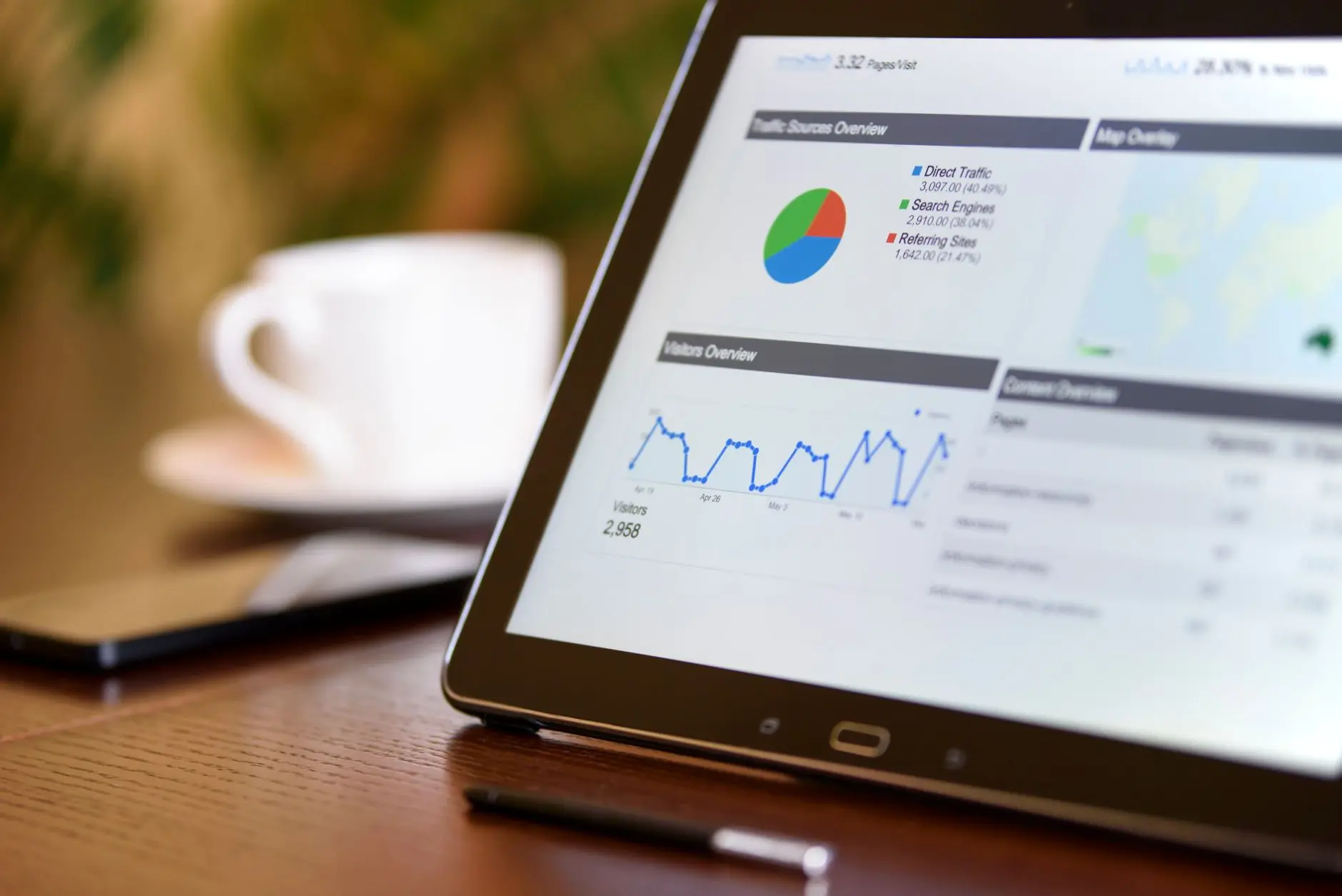
Begin by accessing your analytics platform of choice—Google Analytics, Search Console, or a specialized SEO tool like Nokofy. To accurately analyze website pages traffic and pinpoint which pages are attracting the most visitors, follow these steps:
- Set the correct date range. Choose a period that reflects your current SEO efforts—commonly the past 30 or 90 days. This ensures you’re focusing on recent trends rather than outdated data.
- Navigate to the pages report. In Google Analytics, go to Behavior > Site Content > All Pages. In Nokofy, use the automatic traffic tracking dashboard to instantly view top-performing URLs.
- Sort by key traffic metrics:
- Sessions: Total visits to each page, showing which pages are popular overall.
- Users: Unique visitors, highlighting content that attracts new audiences.
- Average Session Duration: Time spent on each page—pages with higher durations often provide more engaging or useful content.
- Organic Traffic: Visits from search engines, the core metric for SEO page analysis.
- Export or note your top pages. In any tool, export the list or mark pages with the highest numbers—these are your current organic traffic pages driving results.
How Nokofy Simplifies Top Page Identification
Nokofy’s all-in-one AI SEO platform automates this process. The platform’s page analysis feature instantly reveals which pages pull the most organic traffic, what keywords they rank for, and even flags pages that aren’t yet indexed. Unlike manual tools, Nokofy continuously tracks and updates your key page performance analysis metrics, ensuring you never miss a shift in rankings or traffic trends.
| Metric | What It Shows | Where to Find in Nokofy |
|---|---|---|
| Sessions | Total visits per page | Automatic traffic dashboard |
| Organic Traffic | Search engine-driven visits | Page analysis report |
| Keyword Rankings | Top keywords per page | Page analysis & position tracking |
Once you complete this step, you’ll see a clear list of your most visited and best-performing pages, along with actionable insights on what drives their success. For a holistic SEO audit, don’t overlook the impact of backlinks—learn more in Analyze Backlinks.
Step 2: Perform SEO Page Analysis to Spot Underperforming Pages
To uncover actionable SEO opportunities, you must systematically identify pages on your website that are underperforming. Start by filtering your website’s pages based on traffic and engagement metrics. Use your analytics platform or an all-in-one SEO tool like Nokofy to:
- Filter pages with low traffic or high bounce rates:
- Sort your pages by sessions or unique visits to quickly spot those receiving minimal attention.
- Apply a bounce rate filter (e.g., >70%) to highlight pages where users leave without interacting.
- Combine filters for a list of pages that both underperform in traffic and fail to retain visitors.
- Compare page performance to business goals or benchmarks:
- Define your target metrics (e.g., minimum organic traffic, conversion rates, average session duration).
- Benchmark each page’s performance against these targets and industry averages.
- Highlight gaps between current page metrics and desired outcomes.
- Run a technical SEO page analysis to spot underlying issues:
- Leverage Nokofy’s automated site audit to scan each underperforming page, checking for technical errors, missing meta tags, slow load times, or content gaps.
- Review the detailed checklists covering on-page SEO, technical health, and opportunities for better keyword targeting.
- Explore Nokofy’s page analysis to see which pages are actually pulling organic traffic, what keywords they rank for, and which are not indexed.
For a deeper dive into diagnosing and resolving SEO issues, see Website Audit for SEO, which explains how structured audits and automated checklists transform page performance analysis into practical steps for growth.
Step 3: Create and Execute a Page Improvement Plan
To turn analysis into actual results, create a targeted page improvement plan that focuses your efforts for maximum SEO impact. Follow these steps to systematically optimize your website pages:
1. Prioritize Pages for Optimization
- Start by ranking your pages based on two main criteria: potential impact on organic traffic and the effort required to implement changes.
- Use tools like Nokofy’s page analysis to quickly see which pages attract the most organic traffic, which keywords they rank for, and where there are missed opportunities due to poor indexing or low keyword positions.
- Assign higher priority to pages with high search volume potential and lower optimization effort—these often deliver the fastest gains.
| Page Type | Impact | Effort | Priority |
|---|---|---|---|
| Top landing page with declining traffic | High | Medium | High |
| Low-traffic blog post, easy fixes | Medium | Low | Medium |
| Product page with technical errors | High | High | Medium |
2. Implement Actionable Fixes
- Update and expand content to match user intent, using Nokofy’s AI-powered suggestions or competitor insights.
- Refine on-page SEO elements: adjust meta titles, descriptions, headings, and internal linking based on keyword gaps and best practices.
- Address technical SEO issues—such as broken links, slow load times, and crawl errors—identified in your SEO audit.
- Run through the automated SEO Checklist for Website Optimization to ensure all critical elements are covered. Nokofy’s checklists include detailed, actionable steps for 1,199 checks, including local market adaptations.
When each fix is correctly applied, Nokofy’s dashboard will update the status of the page, showing improved SEO scores, technical health, and position tracking over time.
3. Track Improvements and Refine Your Plan
- Leverage Nokofy’s automated repair plans, which prioritize tasks based on your site’s unique needs. These plans assign urgency to each fix and track your progress as you complete them.
- Use the integrated ecommerce CRO analysis to spot and address conversion bottlenecks on key sales pages, ensuring that better SEO traffic also results in more leads or sales.
- Monitor changes in organic traffic, keyword positions, and technical health directly in Nokofy. Adjust your improvement plan as new opportunities or issues are detected.
By following these steps and using Nokofy’s comprehensive AI SEO platform, you gain a clear, actionable roadmap to elevate your site’s performance—ensuring your optimization efforts are strategic, measurable, and continuously improving.
Frequently Asked Questions
How can I see which of my website pages get the most organic traffic?
Use an SEO platform like Nokofy to track page-specific traffic data automatically. Nokofy provides clear reports highlighting which pages attract the most organic visitors, making it easy to identify your top-performing content and focus your optimization efforts where they matter most.
What are the best metrics to analyze page performance?
Key metrics include organic traffic, bounce rate, average session duration, keyword rankings, and conversion rate. Nokofy combines these metrics in a unified dashboard, allowing you to quickly evaluate each page’s effectiveness and prioritize actions that will boost your site’s SEO and conversions.
How do I know which pages need SEO improvement?
Nokofy’s technical audit and automated checklists identify pages with low traffic, declining rankings, or technical issues. The platform generates prioritized lists of recommended fixes, so you can target pages with the most potential for improvement and maximize your SEO impact efficiently.
Can an AI SEO tool automate page performance analysis?
Yes, Nokofy automates the entire process—from traffic and ranking analysis to technical SEO audits and actionable improvement plans. Its AI-driven approach saves time and ensures you receive accurate, up-to-date insights for every page, without manual data collection or interpretation.
How often should I review my website pages’ traffic and SEO?
Regular reviews are essential for sustained SEO growth. Using Nokofy’s automated tracking, you can monitor key metrics weekly or monthly, ensuring timely detection of issues and performance trends across all pages, so you can act quickly and maintain optimal search visibility.
What are common reasons for low-performing pages?
Typical causes include poor keyword targeting, thin or unoptimized content, technical errors, slow page speed, and lack of backlinks. Nokofy’s detailed audits and checklists help pinpoint these issues precisely, enabling targeted improvements to boost visibility and user engagement.
Ready to turn insights into results?
Get actionable SEO recommendations and automate your entire optimization workflow with Nokofy. Discover how Nokofy can help you analyze, improve, and grow your site’s traffic—start today at nokofy.com.
Conclusion
Effective website traffic analysis is essential for driving meaningful SEO improvements and business growth. By following a structured process—identifying top-performing pages, analyzing underperformers, and implementing targeted improvements—site owners and digital marketing professionals can unlock actionable insights that boost rankings and online visibility. Leveraging an advanced AI-powered SEO platform like Nokofy streamlines every step of this process, from keyword research and technical audits to automated content creation and performance tracking, ensuring that optimization efforts are both data-driven and efficient.
Ready to transform your website’s SEO with practical insights and automated guidance tailored to your market? Discover how Nokofy can simplify your workflow and help you achieve measurable growth at https://nokofy.com.